
If you are a creator and share quality content on Instagram, you should be a part of the Instagram subscription, which allows creators like you to start charging a monthly fee to your audience for exclusive content.
The Instagram Subscription feature is a signal that shows the creator economy is on and up, and it’s just the beginning because even a big platform such as Instagram needs more creators to fuel it, so it can stay on top!
That is why I am here to walk you through everything you need to know about Instagram Subscription, such as how you should set it up and more.
What are Instagram Subscriptions?
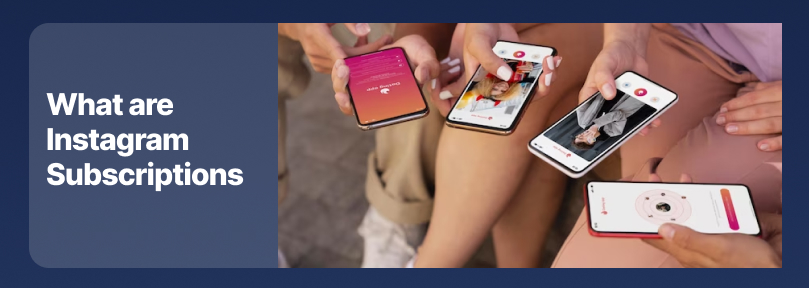
Instagram’s subscription feature allows creators to monetize by providing exclusive content and benefits your most engaged followers for a monthly fee, which means your followers can subscribe to your account through an in-app purchase on their mobile devices.
If you want to see if any account has subscription content, you need to visit their profile, and if they offer such content, you will see a crown icon on their profile.
Basically, the subscription feature allows you to draw people in with your public reels and then gatekeep the really good value for a fee that they can pay for.
Moreover, using this feature, you can create exclusive Instagram content and offer benefits with subscribers’ lives, stories, badges, posts, reels, social channels, and broadcast channels.
Note that you can gatekeep any type of Instagram content, so if you get the most engagement with your stories, it is better to make some of your stories subscriber accessible only.
Finally, your followers who are not your subscribers will see that you have subscriber-only content available in their stories or feeds, which will make them curious, and they are more likely to subscribe to your account.
How to Enable Instagram Subscriptions?
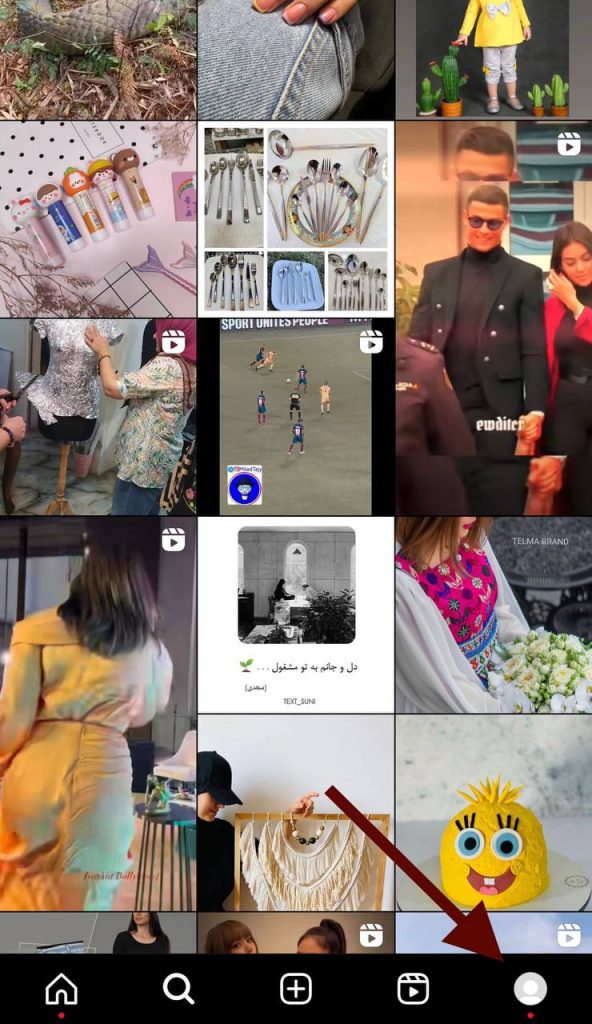
Step 1- Open Instagram on your device and click on the profile in the bottom right corner of the screen.
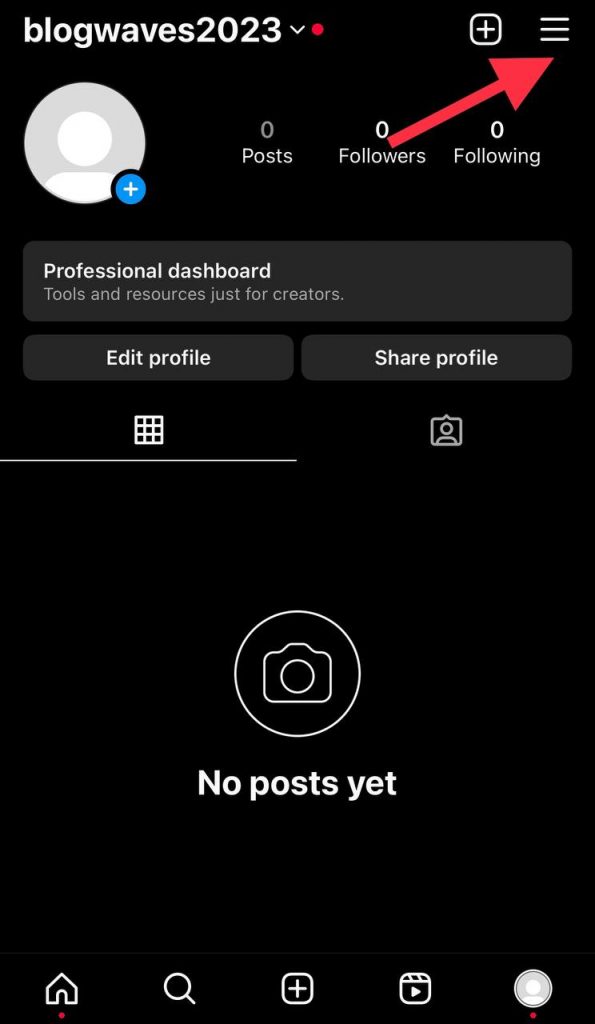
Step 2- Tap the three horizontal line icon in the top right corner to access the settings menu.
Step 3- To enable this feature, you need to have a creator or business account. To do so, scroll down the settings item and tap “Account.” From there, select “Switch to Professional Account.”
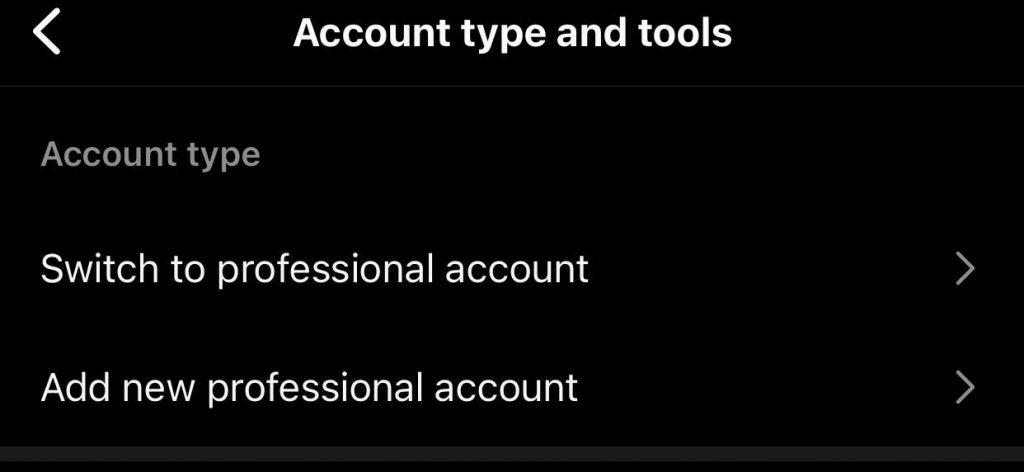
Step 4- Now, Instagram asks you to choose between a creator or a business account, which you should choose a creator to activate the subscriptions feature.
Step 5- After these steps, go back to the settings menu, and you will see the new extra options being added related to monetization features.
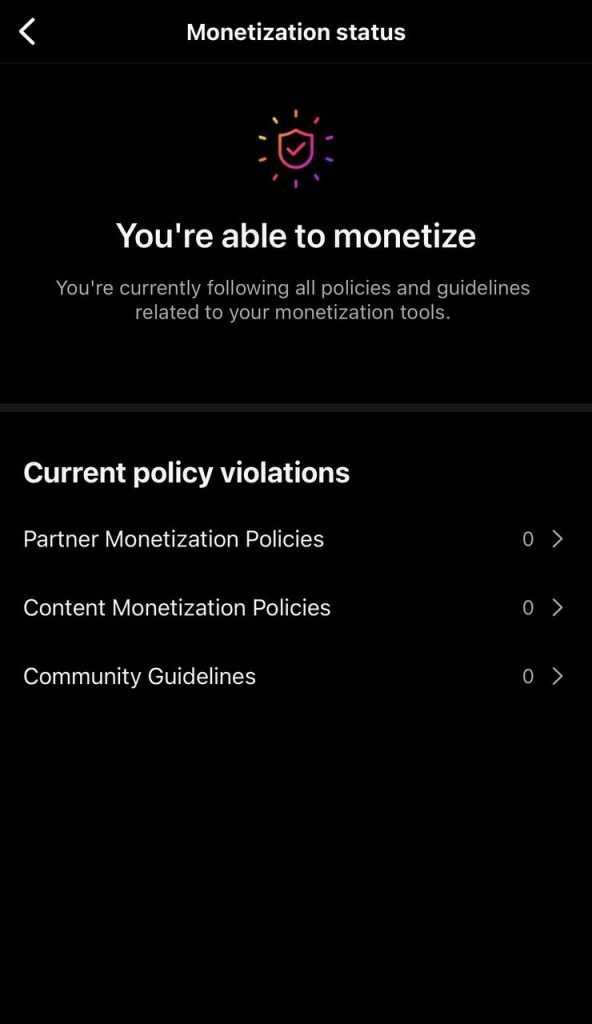
Step 6- Tap on the “Monetization” option to access the new features for content creators, then choose “Subscriptions” among them.
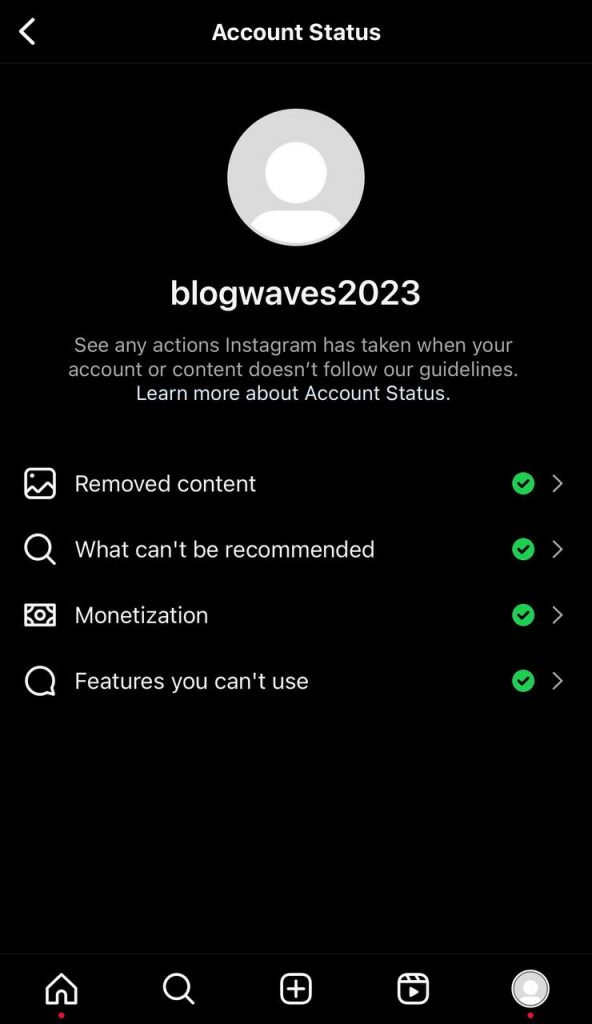
Step 7- Next, check the criteria that Instagram needs to activate the subscription to make sure you have all the conditions.
Step 8- After that, set up your subscriptions by choosing your preferred pricing plans, tiers, and other details based on your content and audience.
Step 9- Now, publish and promote these changes to your account.
Benefits of Instagram Subscriptions

So far, you have understood how you can activate the subscription feature on your Instagram account, Now let’s see its different benefits.
- You can earn a steady monthly income.
- It helps you build a deeper connection with your loyal followers, which is a win-win game.
- Your subscribers have access to exclusive content.
- Subscribers will get a purple badge next to their username, making them feel more special than your regular followers.
Instagram Subscription Features

As mentioned, the Instagram subscription has many features that make users have a good experience using it; we will examine them in this section.
Subscriber Chats
Using this feature helps creators have direct and private conversations with their subscribers, which means they can personally respond to their messages, build strong relationships, and get more interaction.
Exclusive Content
Content creators can share exclusive reels and posts only to their subscribers, including behind-the-scenes, tutorials, private giveaways, new updates, etc.
Subscriber Stories
You can share exclusive stories only available to subscribers, which increases your account’s engagement and helps to attract more new loyal followers.
Subscription Live
Using this feature creators can host live sessions only for their subscribers and talk about their latest videos, show their newest products, etc., which ultimately makes them interact better with their followers
Subscriber Badge Icon
When you subscribe to an account, you will get a badge next to your username that distinguishes you from other regular followers and lets people know you have access to exclusive content.
Tips on How to Get More Subscribers on Instagram

Follow the important tips below if you want to continuously make more subscribers on Instagram:
- Stay unique among your competitors by offering new and engaging content to your subscribers.
- Start a broadcast channel as a megaphone to share updates and social chats as a discussion forum to build a strong community with your subscribers.
- Engage with your subscribers in comments and messages to show that you appreciate them. You can use subscribe badges to determine how to respond to top supporters.
- Stay consistent by using Q&A and poll stickers in your stories to share the content subscribers want to see.
- Use the subscription stickers in your stories to promote your Subscription to your regular followers.
Following these tips, you should be able to get more subscribers, but if not, take these steps:
- Encourage your followers to subscribe to your account by offering a discount.
- Revaluate your regular content and make your followers curious about what you can offer them if they subscribe to your account.
- Ensure your followers love your content so they have a good reason to subscribe.
Asking yourself such questions helps you get to the bottom and understand why you don’t get subscribers, which enables you to create better content and attract more subscribers.
FAQs
1- Can I cancel my Instagram Subscription at any time?
Yes, it is possible to cancel your subscription whenever you want to.
2- How do I know if an account offers subscriptions?
You can check your eligibility through the settings menu, you will see a “Subscribe” option, which means your account offers subscriptions.
3- Is there a limit for Instagram subscriptions?
No, there isn’t any official limitation.
4- How much does the Instagram subscription cost?
The Instagram subscription’s fee varies between $0.99 to $99.99.
Conclusion
Finally, Instagram subscriptions are a great way to nudge your followers deeper into your sales funnel and closer to becoming a customer while making some extra cash on the side.

