

Instagram livestreams could be an enjoyable experience. From celebrities to regular people, we all use Instagram Live to create a stronger connection with our online followers and friends.
Thanks to Instagram and its outstanding services, we can even access our favorite live videos after they have ended.
However, when rewatching a live video, you might have wondered if the user can notice you are replaying their livestream. Maybe you don’t want them to know you rewatched their videos; what should you do then?
Buy an Established Instagram Account
Skip starting from zero. Browse Instagram/TikTok accounts with audiences across many niches.
See Available AccountsIn today’s blog, we will clarify everything about rewatching live videos. By the end of this article, all your questions about this topic will be answered, and you will learn some tricks you never knew you needed!
Can People See If You Rewatch Their Instagram Live?

Let’s start by answering the question that brought you here. Can people see if you rewatch their Instagram live?
The answer is straight as an arrow: No, they can’t. Once the live video is over, people can only see the number of accounts that attended their live video. But they can’t see who rewatched it or how many times it has been rewatched.
Maybe this feature will be available in Instagram’s future updates. But for now, we can’t see who rewatched our live videos.
How To Hide Instagram Live From Someone?

Let’s say you are doing a live stream. But you don’t want some specific people to see your live video. Maybe you don’t want your best friend to know you are hanging around at a party she wasn’t invited to.
At this point, there is no way you can start a live video without your best friend noticing. But wait a minute! There is always a solution for anything.
Instagram cares about your privacy more than anything. As quickly as hiding people from your stories or making your page private, you could do the same for your live videos.
Just follow these elementary steps to choose who can watch your live:
- Step 1: Open Instagram> Settings> Privacy
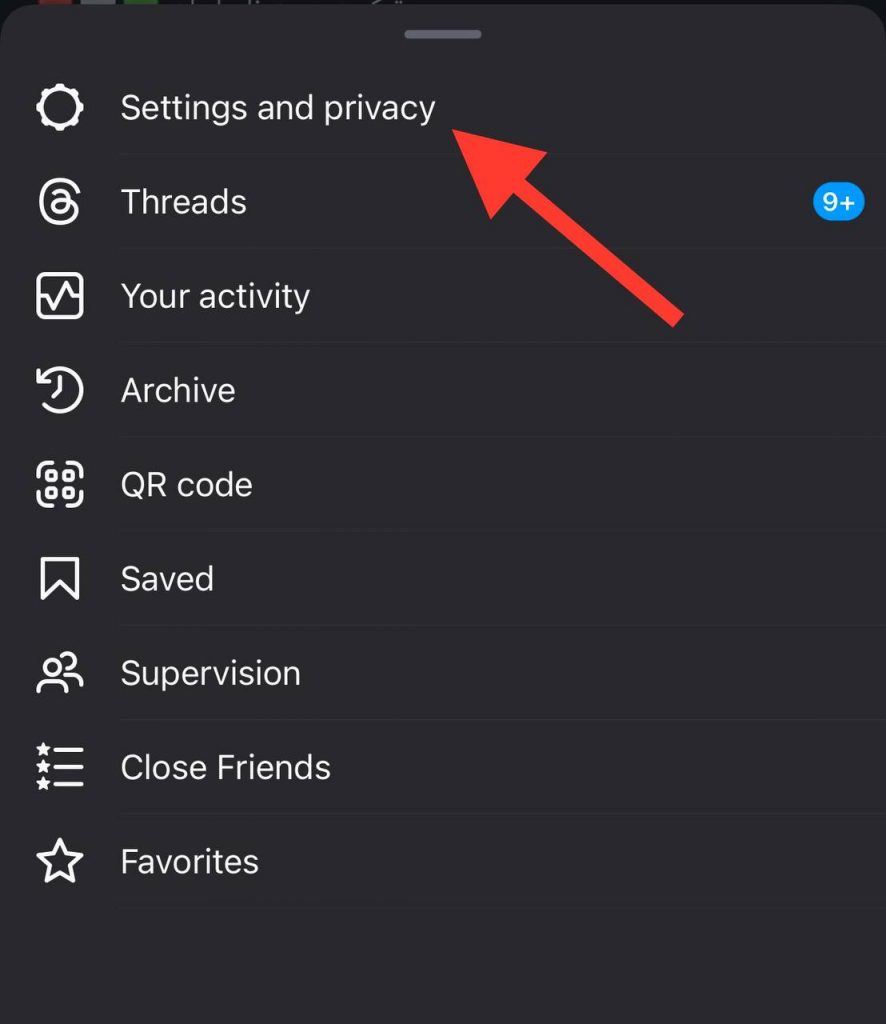
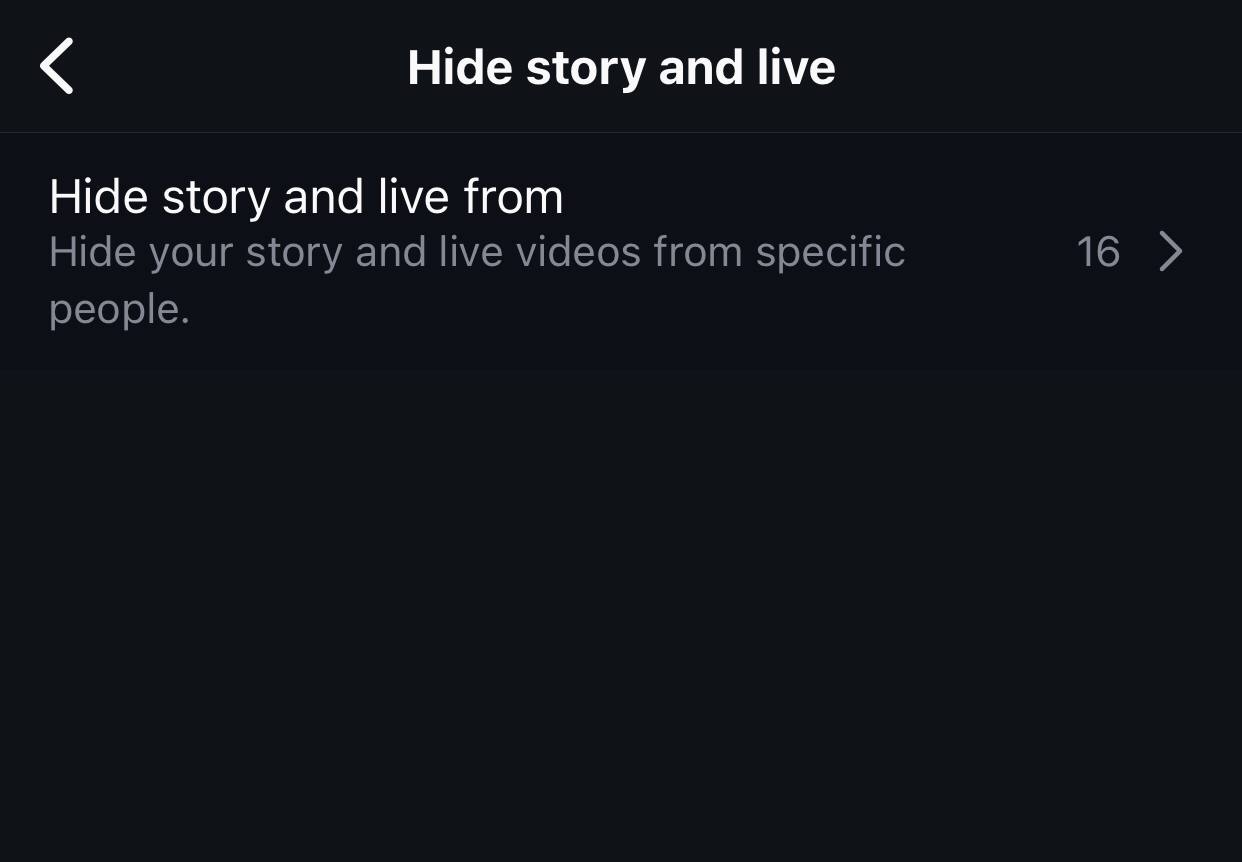
- Step 2: Tap “Hide Live From”
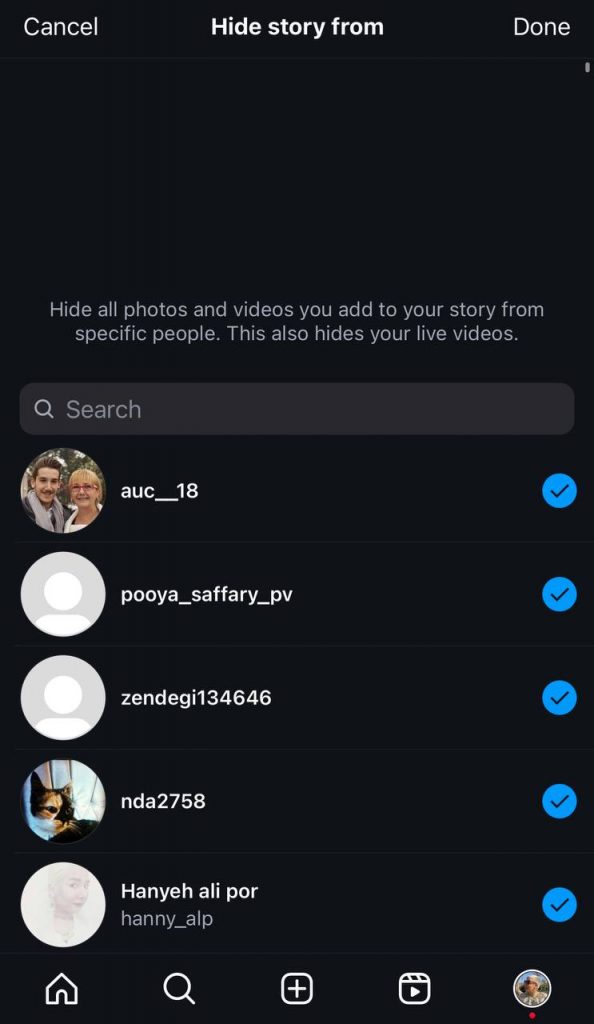
- Step 3: Choose which followers to hide your live stream from.
How To Have Access To Saved Live Videos

After a live video ends, it automatically stays available for 24 hours. You just tap on the user’s profile, and you’ll have access to saved live videos. But what if you want to watch the live video after 24? Here are some ways to watch the live video after it ends.
IGTV Save
Once the live video is over, Instagram offers three options: Delete the video, download it, or share it with IGTV.
If the user saves the video, it’ll be available on IGTV. So you can watch it whenever you want to.
Record Instagram Live On PC

Another way to save someone’s live video is to use extensions on your computer browser. The “Stories app” is a fantastic tool for recording live videos. Here is what you need to do:
- Search for the Instagram Stories app.
- Tap on Add to Chrome, and download the extension.
- Install it and then activate it.
- Open Instagram and go to the live video you want to record.
- You will see a “download” option at the right corner of the video.
- Tap “ download,” and you save the live video.
Third-Party Apps
Third-party apps can help you record your favorite Instagram lives.
Mobizen, available on both Google Play and the app store, is a third-party app that helps you record any live video you want.
Also, once you have recorded your live video, you can edit it however you want.
This is one of the best apps out there. Even if you don’t want to record live videos, it may be helpful in the future. So install it now or save this article for later. You’ll thank me!
Here is what you need to do:
- Open Google Play or the App Store.
- Search for Mobizen and download it.
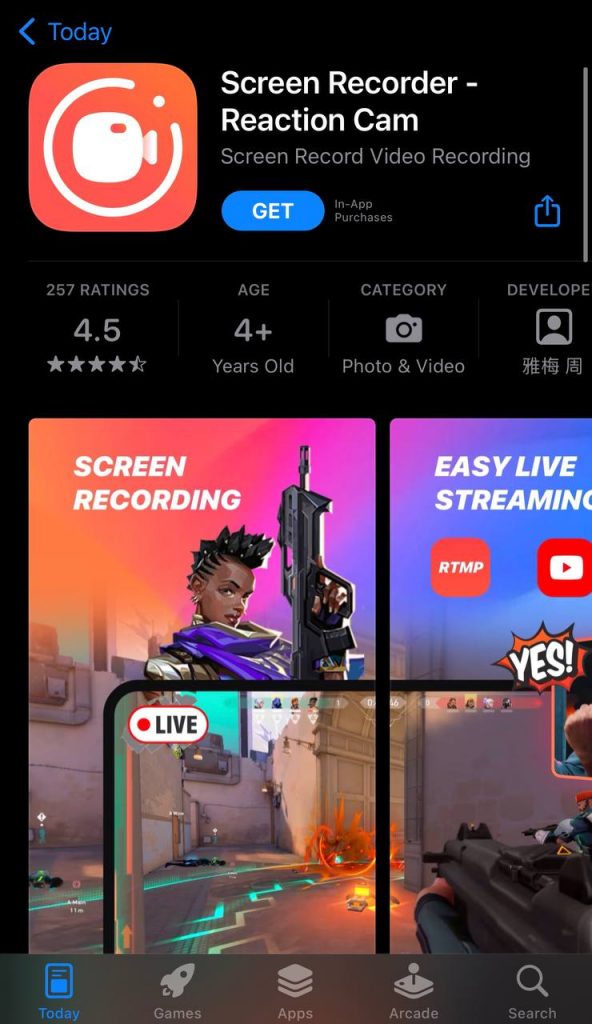
- Install the app.
- Open Instagram and go to the live video you want to save
- Start the recording by tapping the “record button.”
- Tap on the white square to stop recording.
However, if the user decides not to save the live video, respecting their decision and not recording it without permission is better.
Can I watch Live Videos On Instagram Anonymously?

There are more complex steps to watch Instagram live anonymously. However, you could use some tricks to hide your identity.
Change Username
Once you join a live stream, Instagram notifies everyone, and they can see your username.
The first trick is to change your profile, bio, and username. This way, when you join a Livestream, people won’t notice who you are.
Create Fake Account
However, it may be hard to change all your personal information. Also, people might be curious about who you are. They could search for your account and realize who you are. And that would be embarrassing, right? It is not worth the trouble.
There’s no need to worry, though. Another way to anonymously join someone’s live video is to create a fake account. Fake accounts allow you to join one’s live stream anonymously and watch their stories without them knowing who you are.
Watch On IGTV
If you neither have the time nor the energy to create another account, this one is for you.
If the user would save the live video after it ended, you could wait for it to be saved on IGTV.
They can not notice who watched the live video after it ended. Make sure they share it to IGTV and watch it peacefully. A piece of cake!
Last Thought
By now, you better understand how Instagram live videos work. And how you can have a better experience using this feature. Remember, not violating Instagram’s terms and conditions should be your first priority. So do not try illegal ways to join a live video anonymously or save a live video without permission.
Instagram provides endless services, From live videos to reels and addictive exploration. And the company is working hard to make this platform function even better.
Keeping up with all the daily updates might need to be clarified. But we are here to give you simple solutions and less-mentioned tricks so you can benefit from all of its aspects.

Emi Daniel
Buy an Established Instagram Account
Skip starting from zero. Browse Instagram/TikTok accounts with audiences across many niches.
See Available AccountsRelated articles
-

How to Go Live on Instagram: A Step-by-Step Guide
Going live can feel more stressful than posting a Reel. You cannot remove a pause, rewrite a sentence, or start over after an awkward moment. But that…
17 min readEmi Daniel
-

Instagram Instants Feature: What It Is, How It Works, and How to Turn It Off
The first time I opened Instagram Instants, I almost backed out. I had taken a normal photo. Nothing worth editing. Nothing worth posting. Nothing that needed an…
11 min read -

How to Clear Instagram Cache on iPhone, Android & Desktop
Instagram can quietly build up a lot of temporary files while you scroll through Reels, watch Stories, save posts, and upload your own content. You may not…
12 min read