

Have you ever tried saving Instagram videos and realized you couldn’t download their audio? Or have you ever wished you could just download an audio from Instagram?
It is interesting to know that Instagram Reels and stories form more than 70% of an account’s total engagement.
The main reason is using engaging and attractive audio, which convinces users to want to watch the whole content because of the audio and download the music to access the complete version.
Buy an Established Instagram Account
Skip starting from zero. Browse Instagram/TikTok accounts with audiences across many niches.
See Available AccountsInstagram doesn’t offer the option to download audio from Instagram Reels, but there are specific ways to try to download Instagram audio.
In this article, we will discuss how to download various audio from Instagram. We will share three powerful methods that help you on this path and examine different free tools you can use to download Instagram audio easily.
Reasons to Download Instagram Reel Audio

Here are some of the most common reasons you may want to download Instagram Reel audio.
To save a trending sound to use later
One of the best ways to create viral videos is to use trending audio on your Reels. Downloading a popular audio allows you to save it for later use. Remember that trending sounds have an expiration date, so it’s important to use them while they are popular.
To listen to them offline
Did you know that a specific part of a song usually goes viral on social media? This makes people curious and encourages them to download the full version so they can listen to it offline.
I think it’s a convincing reason to download a Reel or story audio using Instagram Reel downloader or other tools.
To create professional content
To increase engagement and attract more target audiences, save or download Instagram Reel audio to create professional content.
Remember that downloading audio from Instagram allows you to use it in professional editing tools like CapCut to enhance the quality of your video.
To archive them
One great way to archive old or popular music is to download it and save it on your device. As you know, old stuff usually becomes a trend again!
Different Methods to Download Audio From Instagram
As said before, there are different ways to download Instagram audio; in this section, we will discuss three effective methods.
1. Use a third-party audio downloader tool
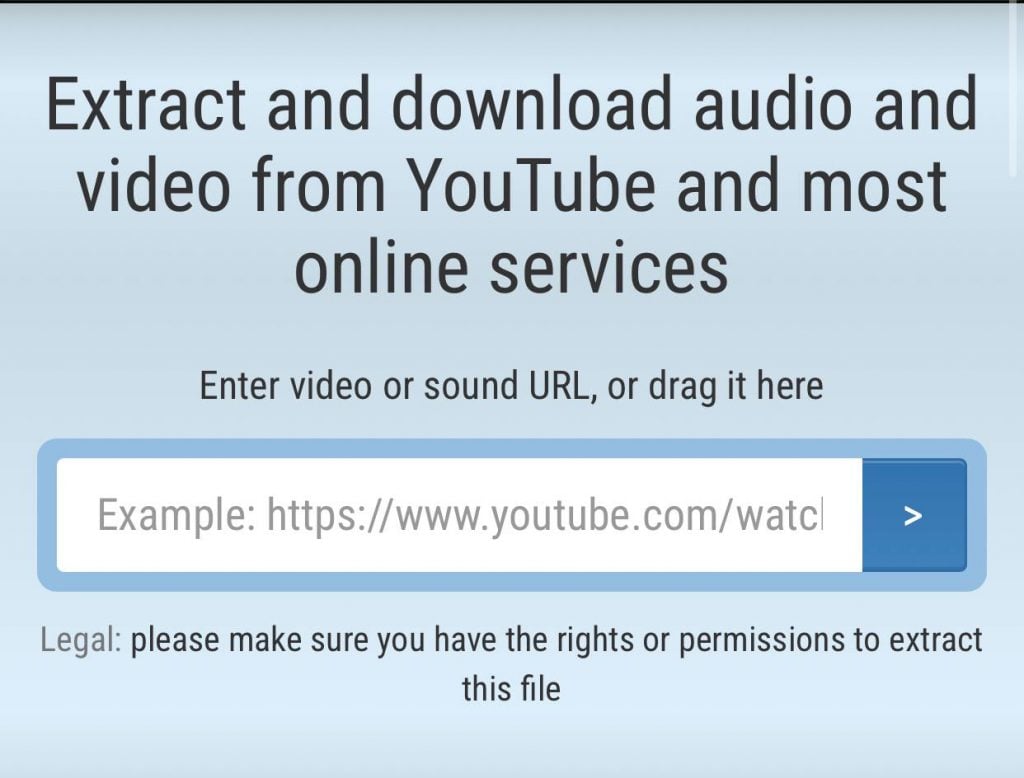
The first and easiest way is to use free Instagram Reel audio download tools and third-party websites.
These free tools enable you to download audio from different videos and save your favorite sounds to reuse in your next videos. In the next few sections, we will examine the best free tools.
2. Change the file extension
If you are using an Android device or want to download the audio on your desktop, this method is perfect for you as it requires changing the file extension at the end of the file and turning the video into an audio extension.
In this method, the file format is converted from video to audio. If you think this method sounds difficult and requires professional tech knowledge, you are wrong! It is much easier than it seems.
3. Use video-to-MP3 converter tools

Yes! You can also use a free video-to-MP3 converter tool to download audio from Instagram Reels; these tools enable you to convert a downloaded Instagram video into an audio file.
Note that you can search for specific applications for iOS and Android devices that download reels and convert them into MP3 format on your mobile.
We will share some common video-to-MP3 converter tools in the following sections.
Third-party Tools to Download Instagram Audios
Let’s see some of the most common and suggested free tools that you can use to download Instagram audio:
1- Reelsave.App
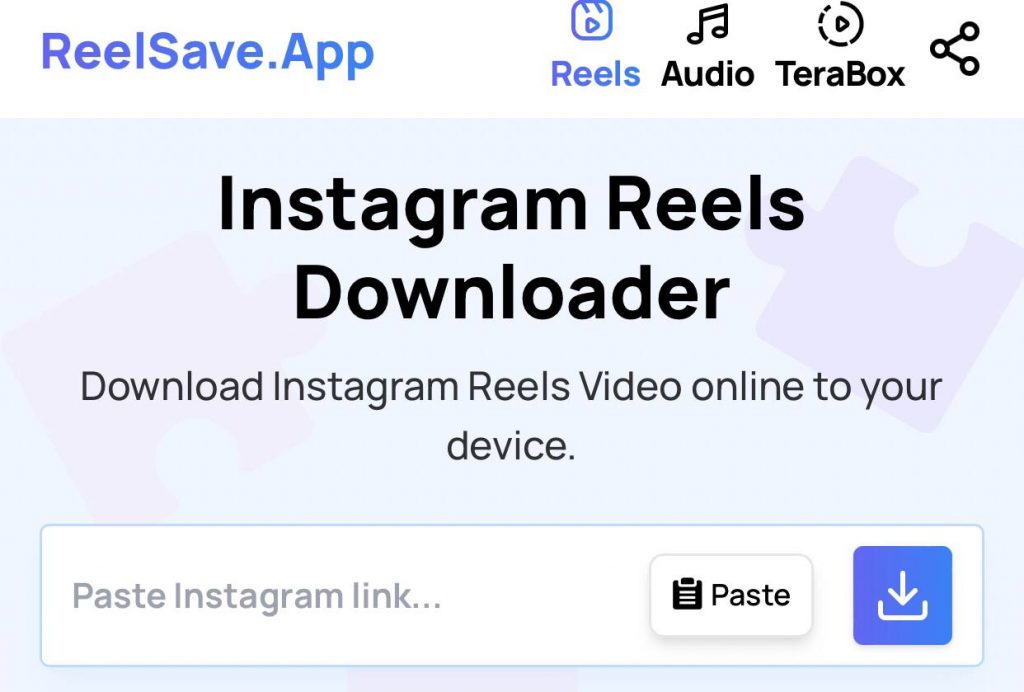
This tool is among the best ones you can use to download the audio from every video you want. Follow the steps below to use this tool perfectly:
Step 1- Choose the Instagram Reel or video you want to download its audio.
Step 2- Copy the URL of the video by tapping the three dots icon and selecting “Copy Link” option.
Step 3- Go to this website: “https://reelsave.app.”
Step 4- Paste the URL of the video and tap the “Downloads Icon.”
Step 5- Wait for the video to upload and then click the “Download Video” button to finish the process.
2- Insta.SaveTube.Me

This tool is also among the top free Instagram audio downloaders. It offers various formats and audio qualities, depending on your needs.
Thus, if you are looking for a way to download high-quality audio from Instagram videos, this tool is worth trying.
Follow the steps below to use this tool:
Step 1- Copy the link/URL of the video you want to download its audio.
Step 2- Search for https://insta.savetube.me/ on your browser.
Step 3- Paste the link in the download box section and then tap “Download MP3.”
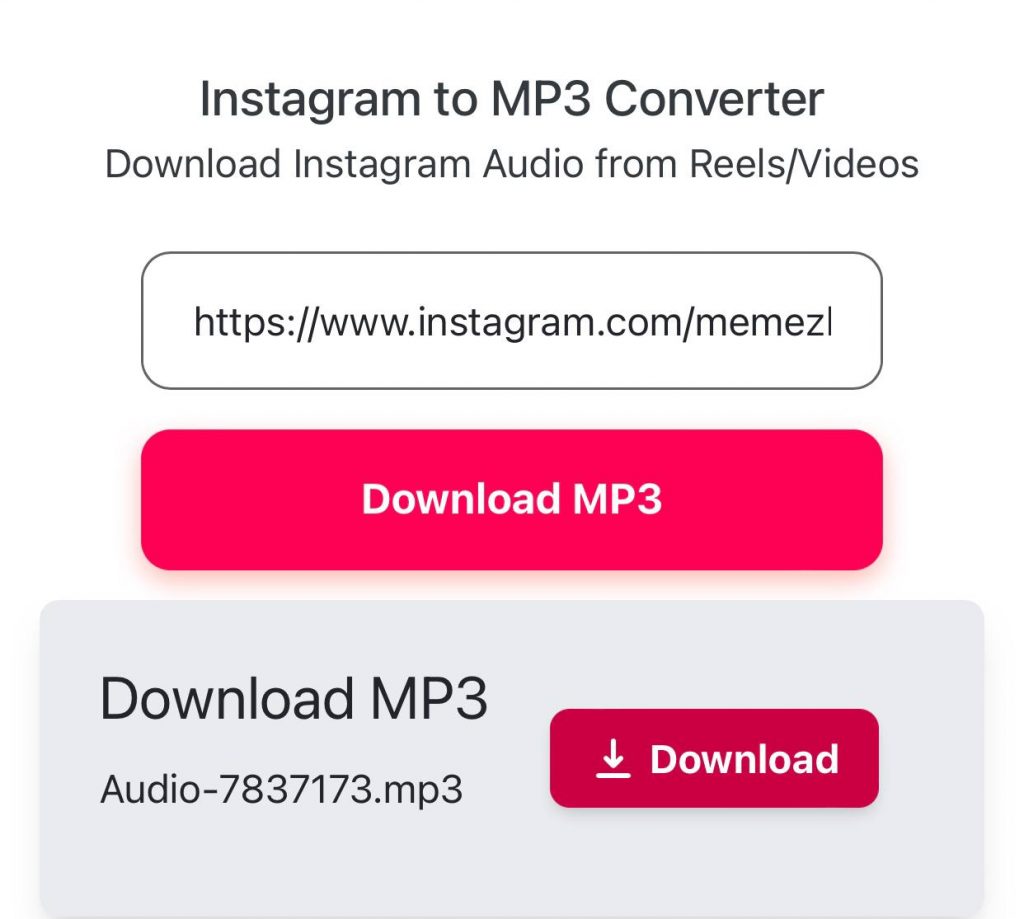
Step 4- That’s it! Now, just wait for the website to deliver you the high-quality audio. Save the audio on your device to reuse it later.
3- Storiessavor.org
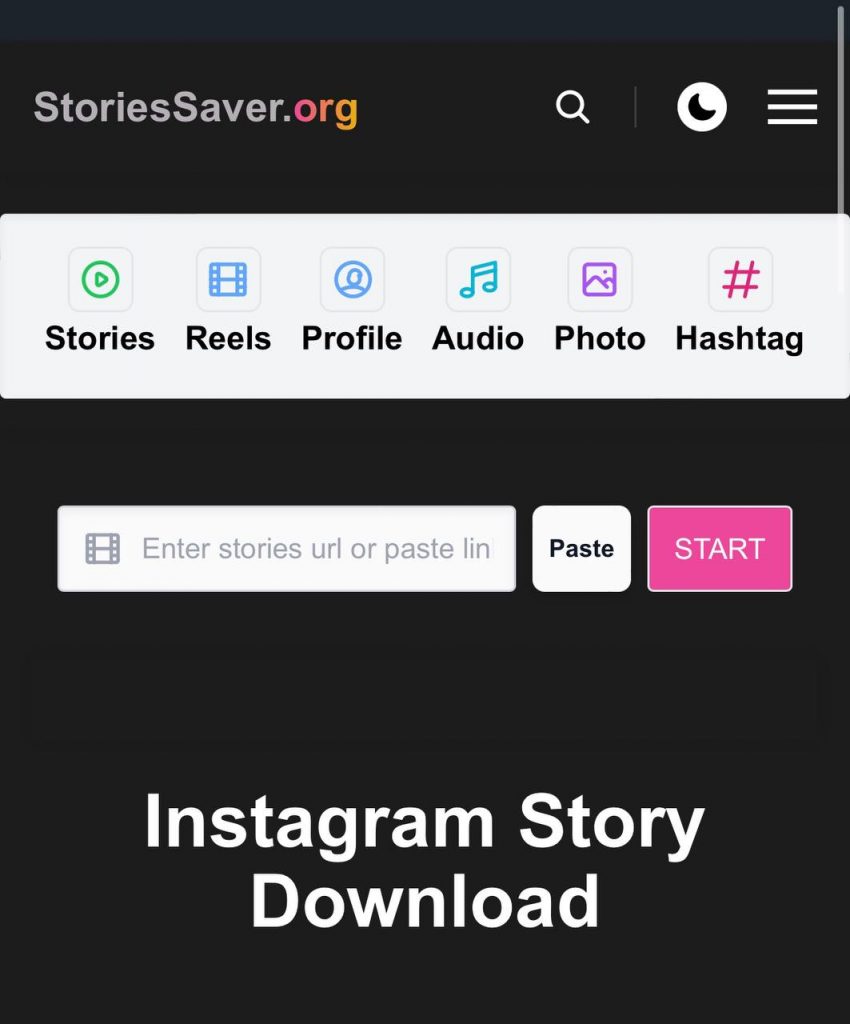
This free web tool helps you to convert Instagram videos and reels into audio with just a few clicks. Using this tool, you can download Instagram IGTV, Reels, and various Reels in audio format and reuse them in your videos easily.
The only thing you need to use this tool is the link to the desired video, and then you have to visit the website, paste the link there, and receive its audio with the highest quality.
4- Snapinsta.io
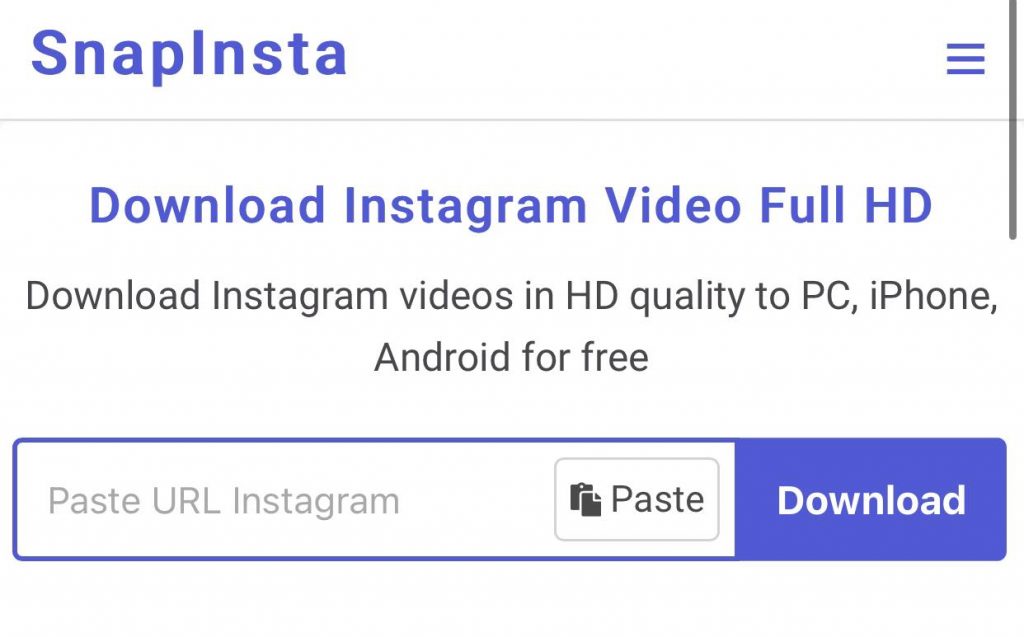
Snapinsta is one of the best free tools that helps users to download their favorite audio from Instagram Reels and videos and convert them into MP3 format with the best quality and in the shortest time.
Note that Snapinsta is a web tool, which means you don’t have to install any application or software on your device. Moreover, you can use this tool on various browsers, such as Safari, Chrome, Edge, Opera, Firefox, etc.
5- Vlog Now video editor
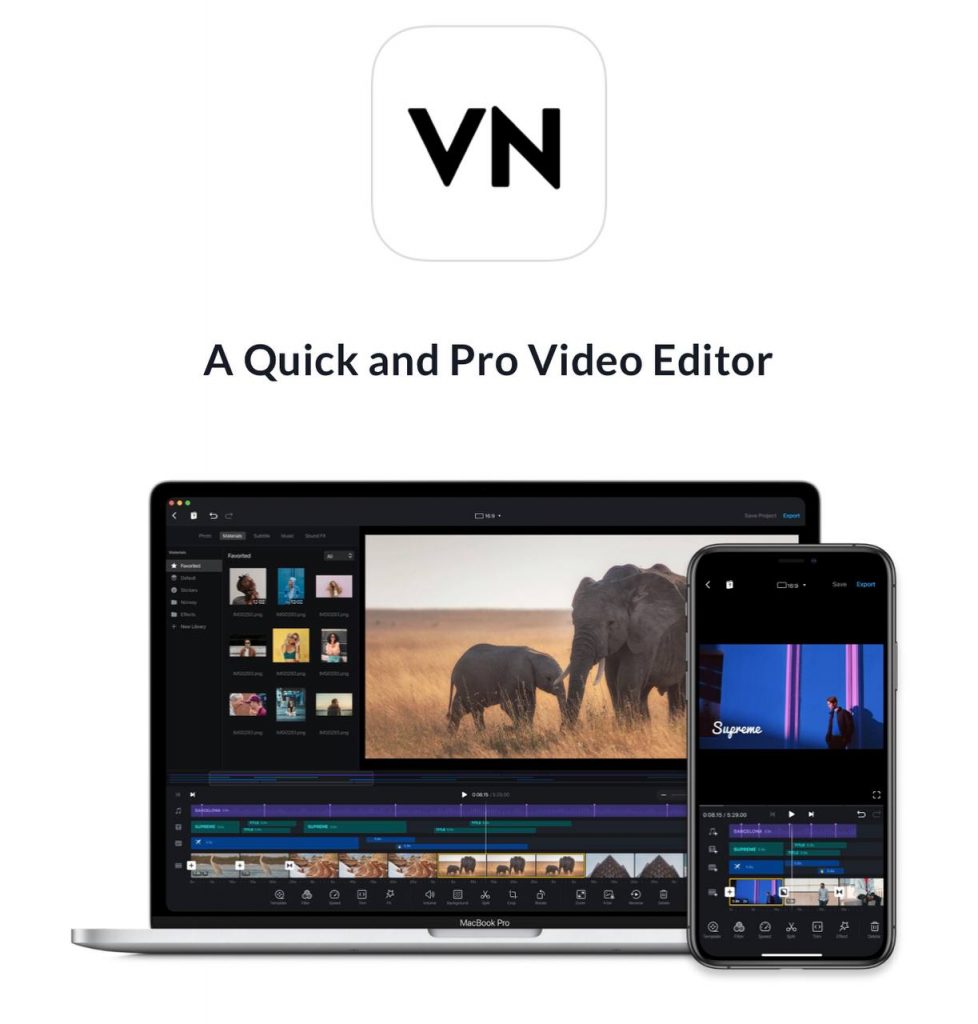
Finally, you can install an application like the VlogNow Editor app on your mobile, and use it to simply add your favorite audio to your videos from Instagram Reels.
You can download and install this application on iOS and Android devices and easily download audio of any video content from Instagram.
Alternative Ways to Download Audio From Instagram (In 2025) For Free
You don’t have to pay to download audio from Instagram Reel or Story; here are some of the most creative and easiest ways to download audio from Instagram for free.
Use your mobile’s screen recording feature
One of the most accessible ways is to use your mobile’s screen recording feature. This feature helps you save more data along with the audio. It’s totally free!
Use Website extensions
Several browser extensions help you download audio from Instagram for free. IGDown (Reels and audio downloader), IDL Helper (Instagram downloader), and Instagram Audio Downloader are some of the most popular ones.
Save the post on Instagram
Just tap the “Save” button on each post you like to save the post or save the sound to access and download it anytime.
Use Telegram bots
Some credible Telegram bots allow you to download Instagram Reel audio if you send them the link to the video.
Use online audio downloaders
There are different websites where you can paste the link of a video, and they will give you the audio!
Common Video-to-MP3 Convertor Free Tools
As you may remember, we mentioned that one of the best methods to download audio from Instagram videos is to use a video-to-MP3 converter tool.
That is why we will examine five of the best free video-to-MP3 converter tools in this section.
1- CloudConvert
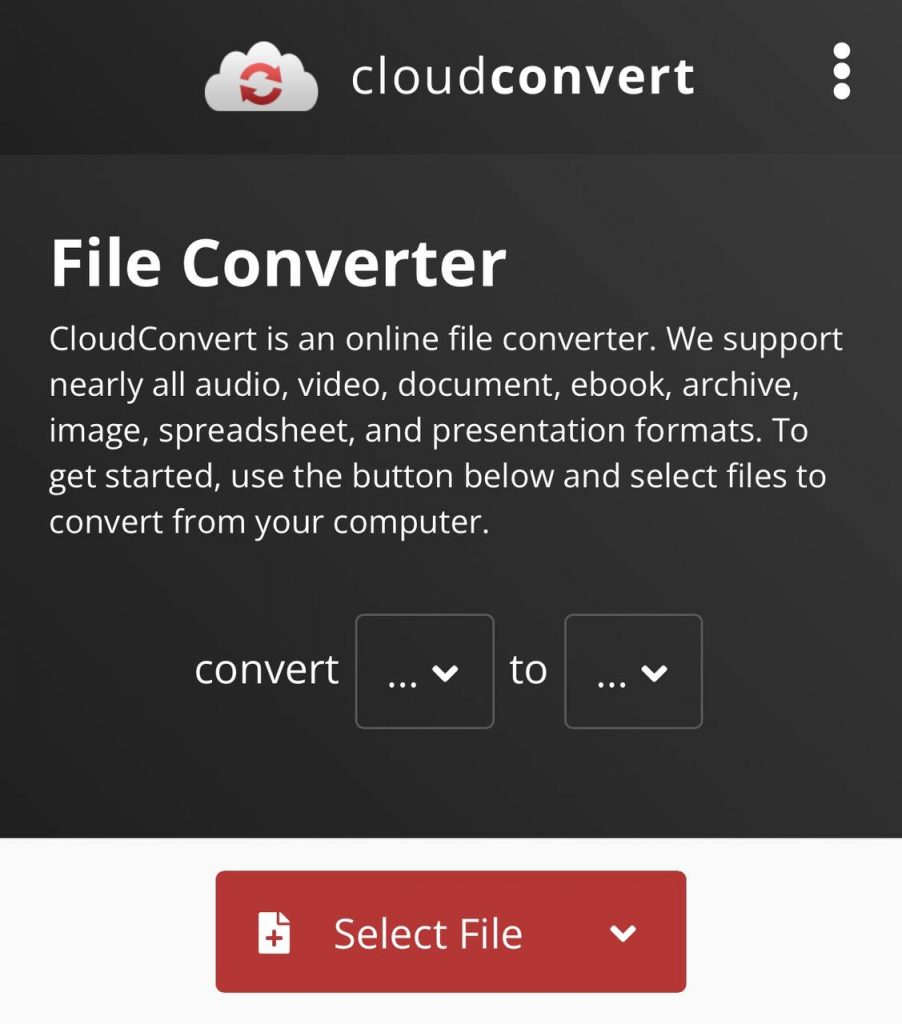
CloudConvert is one of the best free tools you can use to easily download various audio from any Instagram Reels or videos you want.
This tool supports several video file formats, such as WEBM, MP4, and AVI. Moreover, you are free to manage the video quality, resolution, file size, etc.
2- instavideosave.net
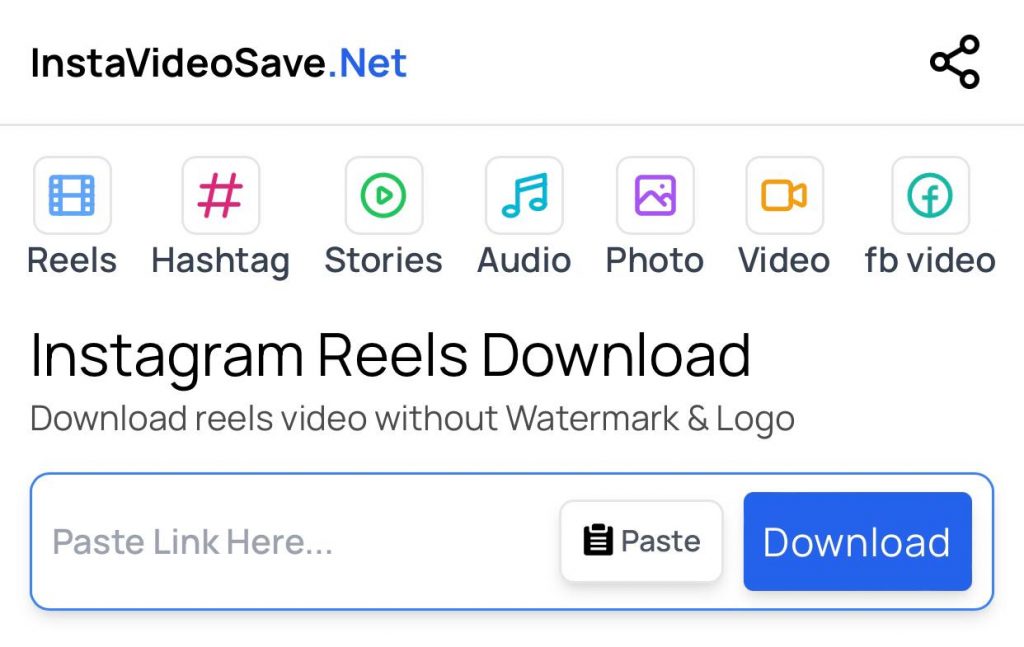
This free tool allows users to convert and download Instagram Reels, IGTV, and videos in MP3 audio files in the fastest possible way.
You can use this tool on your mobile (iOS and Android), PC, and tablet, and it supports different browsers, like Chrome, Edge, Safari, etc.
3- Weinsta

Downloading Instagram audio using Weinsta is the easiest and fastest way to download Instagram audio in the best quality in MP3 format.
You can use this free online tool on every device you have, and you don’t need to log in to an account or download a specific app on your mobile.
4- Online converter
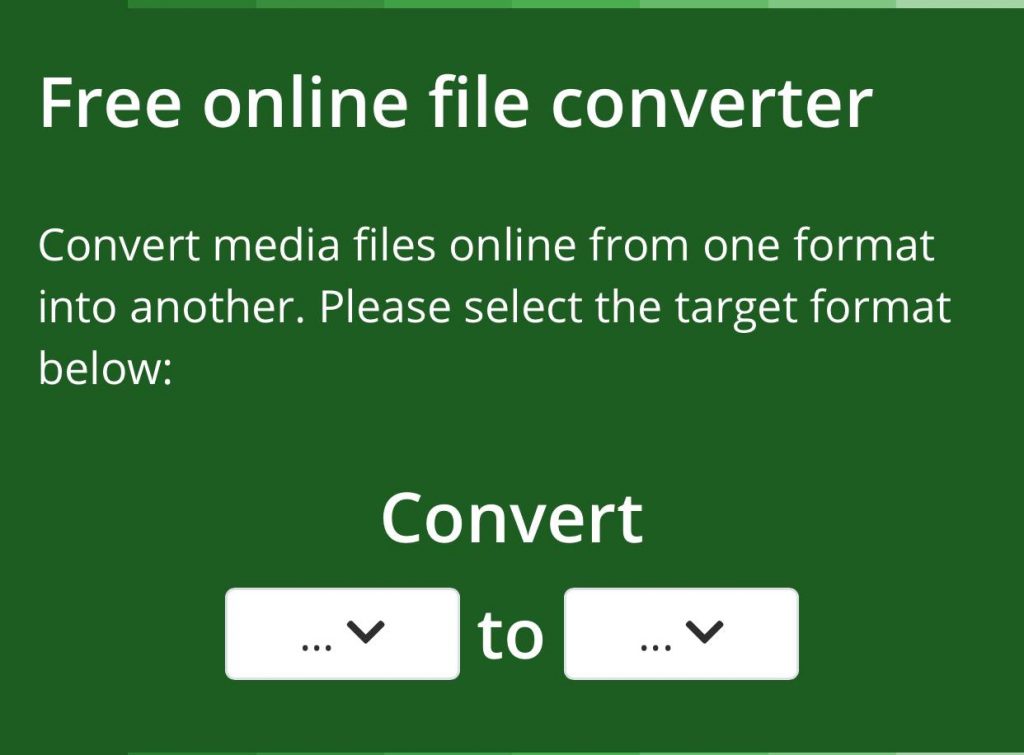
Online Converter offers various features and enables you to convert different video files, such as MKV, VOB, AVI, MPG, MP4, etc., to MP3 audio files.
One of the best features of this free tool is that it tries to keep the original video file’s audio and delivers an audio file of the highest quality in the shortest possible time.
5- indownloader.app

This is a free online tool that allows you to convert audio from all Instagram videos to a high-quality MP3 audio file.
The good thing about this tool is that you can use it on your mobile, tablet, or desktop without any software subscriptions.
Common Issues and Troubleshooting While Using an Instagram Downloader
Last but not least, downloading audio from Instagram is not always easy, and you may face challenges. But don’t worry; here are some common issues you may face and solutions to fix them quickly.
- Problem: Poor audio quality.
Solution: Try using formats other than MP3, choose high-quality videos, and use free tools to enhance the audio.
- Problem: The download link isn’t working.
Solution: Refresh the webpage, restart the browser settings, and make sure the post is from a public account.
- Problem: The tool stops working.
Solution: Ensure you are using the latest version, try using browser extensions, and try it on the mobile app version.
- Problem: Instagram doesn’t allow you to download.
Solution: Avoid over-downloading, try a few hours later, and use tools that don’t require login information.
Conclusion
We all know that using trending audio and sounds on Instagram Reels and videos helps them go viral faster and increases engagement. That is why you should know how to download and use audio from Instagram video content and add it to your videos.
In this article, we discussed the most helpful methods that enable you to easily download your favorite Instagram audio and use it on your videos to attract more attention.
Don’t forget that Instagram doesn’t have the option to download the audio on your device directly; so it is better to use the free third-party tools we mentioned in this article to download and save different audios from Instagram IGTVs, Reels, and videos.
FAQs
Can I download audio from a private Instagram account?
Unfortunately, you can’t download audio from private accounts on Instagram; you are only allowed to download audio from Instagram Reels or videos that have been posted on public accounts.
Can I download audio from Instagram Reels?
Yes, as we mentioned before, you can download and save audio from all video content on Instagram. However, you must remember that Instagram doesn’t allow you to download audio files directly, so you have to use third-party tools or try the methods we discussed earlier.
How should I know if an Instagram audio is copyrighted?
Suppose Instagram notices that you are using audio in your videos, which is against their music licensing agreements. In that case, you will receive a notification that alerts you to change the sound you are using.

Emi Daniel
Buy an Established Instagram Account
Skip starting from zero. Browse Instagram/TikTok accounts with audiences across many niches.
See Available AccountsRelated articles
-

Instagram Instants Feature: What It Is, How It Works, and How to Turn It Off
The first time I opened Instagram Instants, I almost backed out. I had taken a normal photo. Nothing worth editing. Nothing worth posting. Nothing that needed an…
11 min readEmi Daniel
-

How to Clear Instagram Cache on iPhone, Android & Desktop
Instagram can quietly build up a lot of temporary files while you scroll through Reels, watch Stories, save posts, and upload your own content. You may not…
12 min read -

How to See Who Reposted Your Instagram Post (2026 Guide)
Someone reposted your Instagram post, but you have no idea who it was. You check notifications, search through your profile, and still cannot find a clear answer. …
18 min read