

You may want to know if it’s possible to download posts from private Instagram accounts. The answer is yes, and you’re about to become the Sherlock of Instagram! Here’s the deal – downloading private Instagram posts without permission is a no-go zone. But fear not! Our adventure doesn’t end here.
But before you start, remember the golden rule- always ask for permission before peek into someone’s private digital diary!
Saving Instagram Posts – Photos, Videos, Reels, Stories
Instagram, by design, allows users to easily share and consume diverse types of content – from photos and videos to Stories and Reels. Unfortunately, there is no feature within Instagram that allows users to download these media types, particularly from private accounts.
This limitation is part of Instagram’s efforts to respect user privacy and protect copyrights.
The How: Saving from a Private Account
Instagram users are not encouraged to save or download content from private accounts without permission from the account owner.
Though, if one has legitimate reasons and permission to download content from a private account, several methods can be used, including dedicated saving tools.
Top-Notch Instagram Saving Tools
Though Instagram does not offer a built-in solution for downloading media, several third-party tools can provide this functionality.
They can help you save and access any content you want, even from a private account!
Some of these tools include:
4K Stogram

A desktop application that allows you to download photos, videos, and stories from both public and private Instagram accounts.
DownloadGram
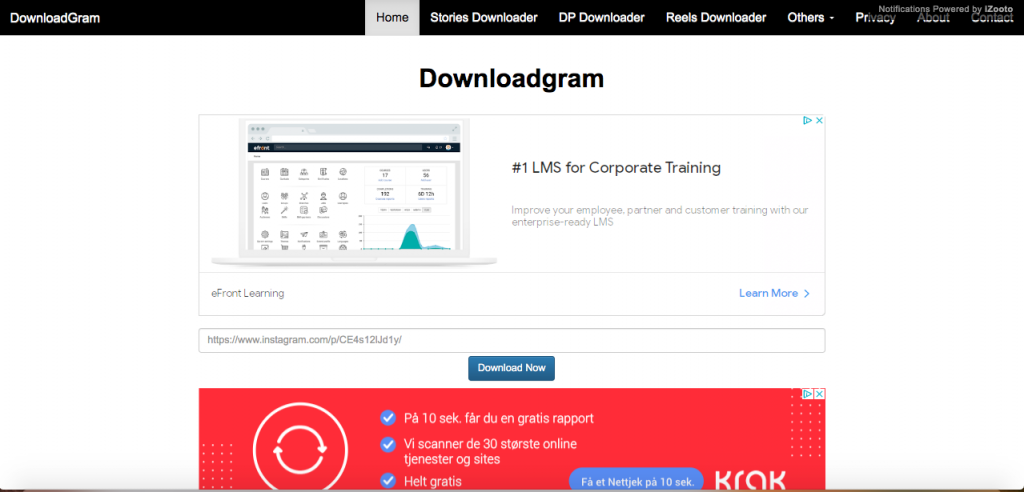
A web-based application that enables users to download individual photos and videos from Instagram.
InstaOffline
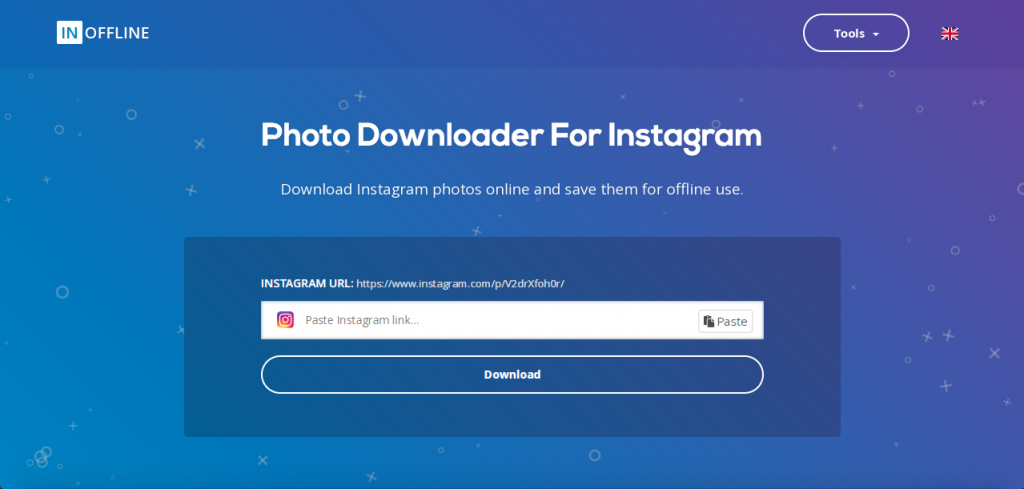
Another web service allows you to download Instagram photos, videos, and stories as many as you need to!
Save-IG

Save-IG is a popular Instagram downloader that allows you to save Instagram photos, videos, stories, IGTV videos, and even reels.
The tool is straightforward to use – simply copy the link of the Instagram post you want to download and paste it into the Save-IG website.
Saver Front
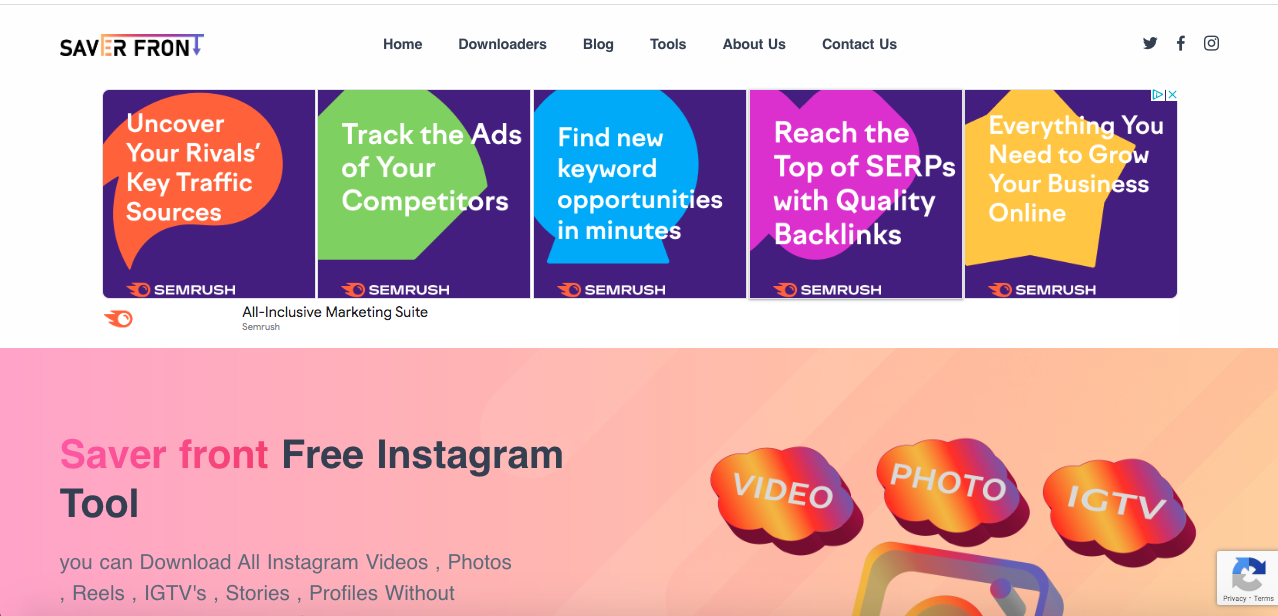
Saver Front has a user-friendly interface and easy-to-follow steps for saving content from Instagram. It allows users to save photos, videos, and stories from Instagram by simply entering the URL of the desired post.
Save Free
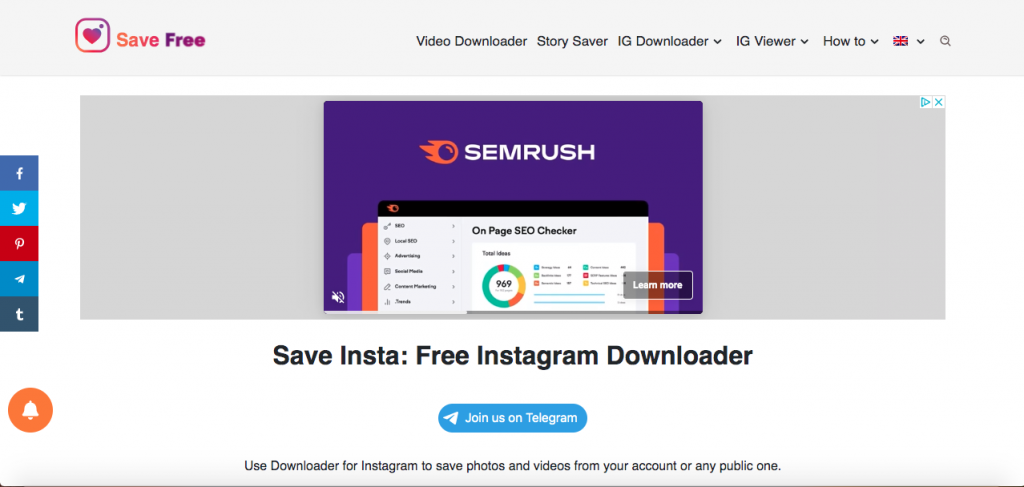
Save Free offers a more comprehensive approach to Instagram content download. In addition to saving photos and videos, it supports the download of Instagram private photos and videos, reels, IGTV videos, and stories.
Just paste the content URL into the Save Free website, and the tool will handle the rest.
PokoInsta
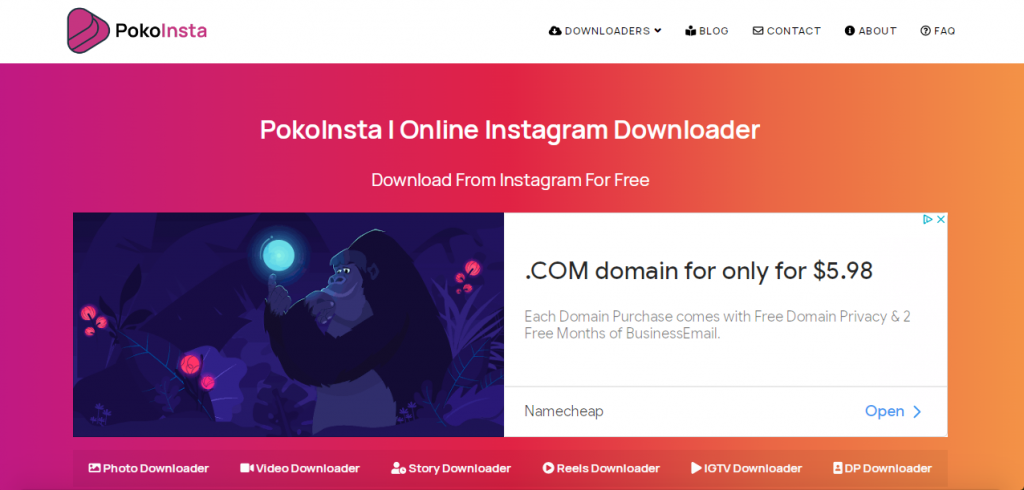
PokoInsta is another comprehensive tool for downloading Instagram content. It supports downloading photos, videos, stories, highlights, and IGTV videos.
It’s simple and easy to navigate, making it a good choice for beginners.
Save-Inst.com
Save-Inst.com is also a web-based Instagram downloader that supports a wide range of Instagram content.
It also offers a batch download feature, allowing users to download multiple posts simultaneously.
Third-party apps
Aside from these web-based tools, numerous third-party apps are available for Android and iOS devices allowing users to download Instagram content.
These include apps like:
- FasteSave For Instagram
- Repost for Instagram
- InstaSave
These apps usually provide an easy download of content directly to your device.
But remember to use them responsibly and respect individual privacy and intellectual property rights.
A Guide to Using Instagram Saving Tools: Step-By-Step
Are you ready to dive deeply into the world of Instagram saving tools? Buckle up! Here’s a step-by-step guide to help you safely navigate the journey.
Logging into Instagram
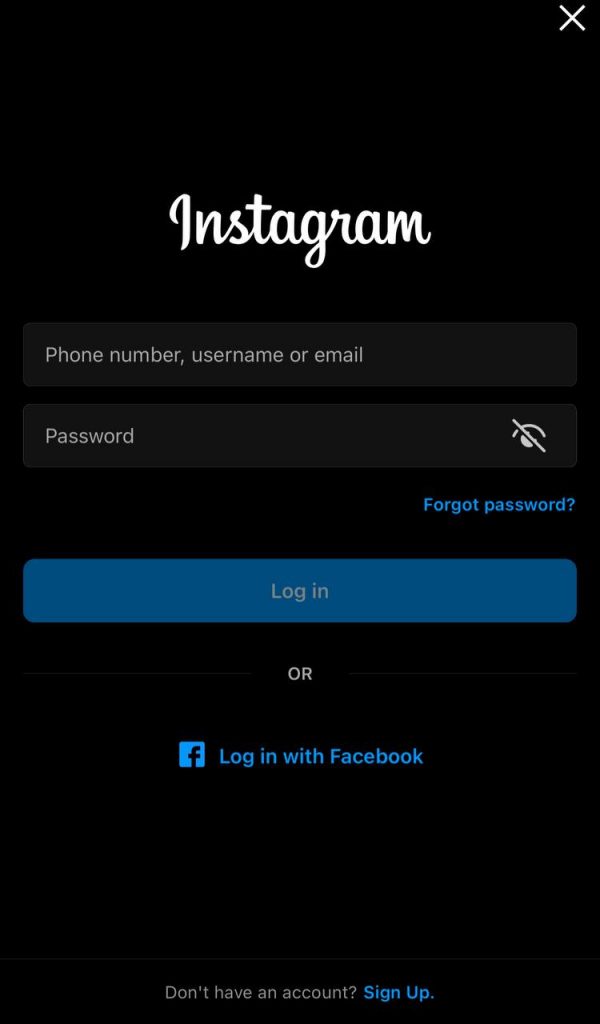
Before you can start downloading posts from Instagram, you’ll need to log into your account. You can do this via the app on your mobile device or via a web browser on your computer.
Post Link Copying
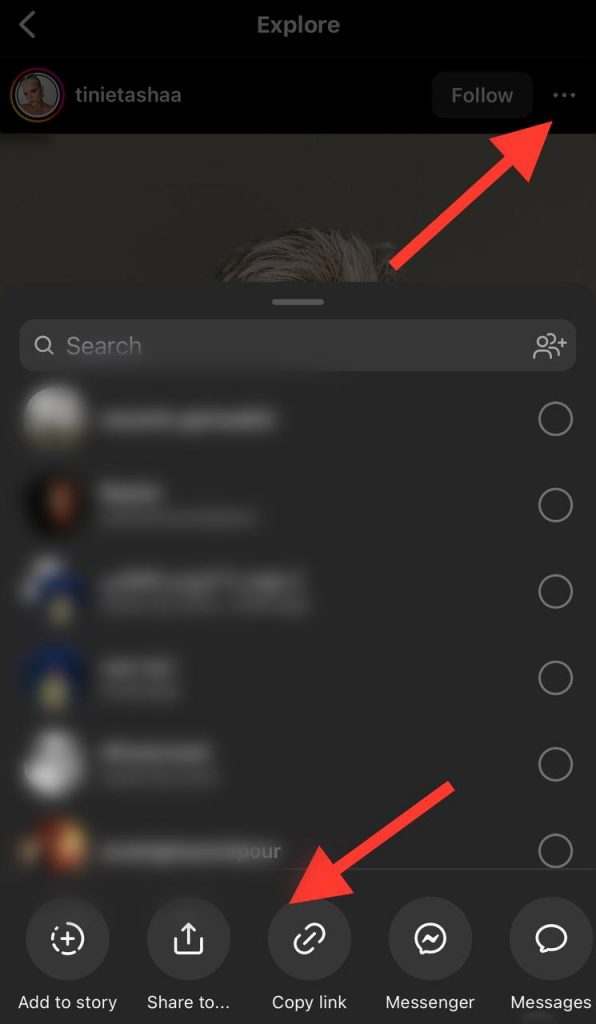
Now that you’re logged in, it’s time to find the post you want to download. Once you’ve found the perfect post, click on the three-dot menu (…) located on the top right of the post and select “Copy Link.”
Voila! Your link is now ready to be pasted.
Generate and Open the New Link
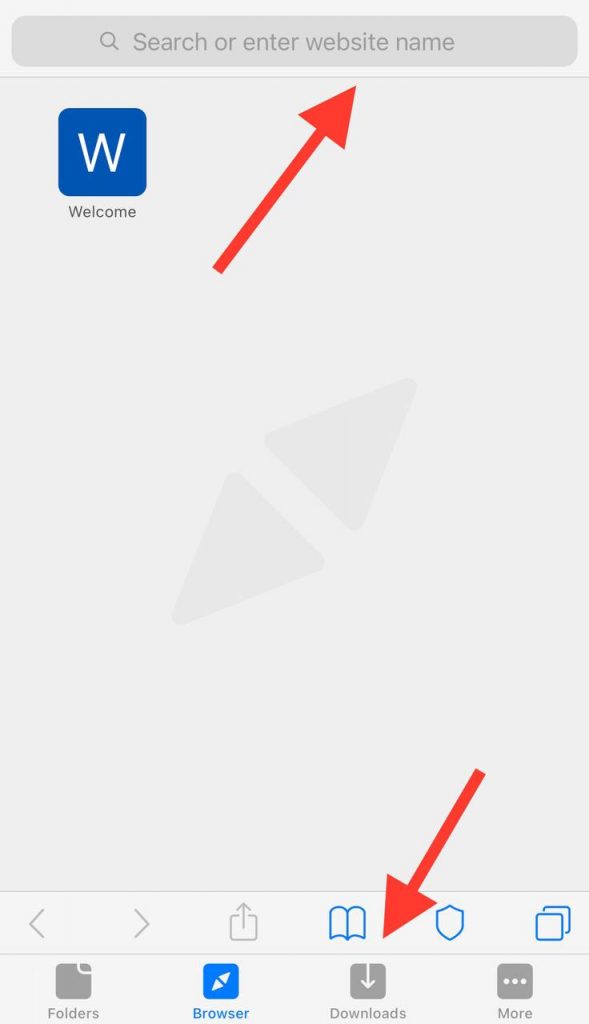
Next, head over to your chosen Instagram saving tool. Paste the copied link into the input field and hit the “Generate” or “Download” button.
This will generate a new link that you can use to download the content.
Engaging the Downloader: Just One Click
The fun part comes: clicking the “Download” button next to the generated link. This will download the content onto your device.
Platform-wise Guide: Android, iPhone, PC
Different platforms require different methods to download Instagram posts. Let’s dive into each one.
Using Safari: The iPhone User’s Path
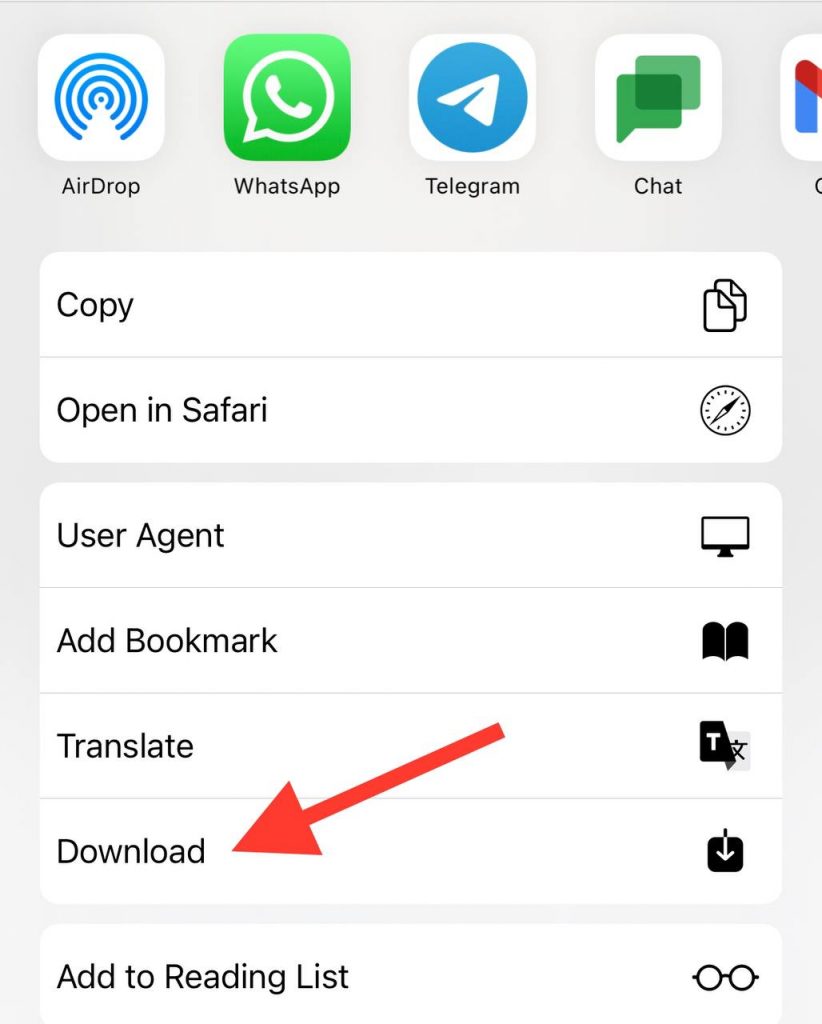
You can use the Safari browser to download Instagram posts for iPhone users. After generating the download link mentioned above, press the “Download” button.
A menu will pop up with the option “Download Linked File”. Click on it to start the download.
Tapping and Holding: A Vital Step
If you’re on an Android device, after clicking on the “Download” button, tap and hold onto the image or video.
A menu will pop up. Select “Download Image” or “Download Video” to save the content onto your device.
The Unveiling: Opening the Downloaded File
Once the content is downloaded, you can find it in the Downloads folder (for PC and Android) or the Downloads manager in Safari (for iPhone).
Safe Keeping: Saving to Your Camera Roll
If you’re using a mobile device, you can choose to save the downloaded content to your camera roll for easy access. Just click on the “Share” button (Android) or the “Upload” button (iPhone) and select “Save Image/Video”.
Your downloaded Instagram post is safely tucked away in your camera roll, ready to be accessed anytime!
Frequently Asked Question
1. Can I Retrieve Videos from Private Instagram Profiles?
Yes, it’s possible to retrieve videos from private Instagram profiles through several online tools, but you must be a follower of that account and have the account holder’s permission.
2. How Do You Save a Video from a Private Instagram Profile on a Mobile Device?
You’ll need to use a third-party app or website to save a video from a private Instagram profile on a mobile device. These platforms typically require you to input the URL of the Instagram post you want to download.
3. Which Tool works best for downloading Instagram Videos?
Several effective tools are available for downloading Instagram videos, but one that consistently receives positive reviews is 4K Stogram.
4. Is There a Way to View Posts on a Private Instagram Profile Without Following?
The only legitimate way to view a private Instagram account’s post is by sending a follow request and being accepted by the account holder.
5. Which websites help Saving Instagram Reels from Private Accounts?
Websites like Save-IG, Saver Front, Save Free, PokoInsta, and Save-Inst.com offer services to save Instagram Reels from private accounts.
6. Can I see someone’s posts without following them on Instagram?
If the account is not private, you can see Instagram users’ posts easily. But the only way to view content from private Instagram accounts is to follow them.
Wrapping up
So, we know how to download Instagram reels, posts, stories, and IGTVs from private accounts, and third-party tools are our friends in this way! You can use 4K Stogram, PokoInsta, Save Free, or other applications to do so! Together, we captured the content we liked and saved it straight into our galleries!
Remember to honor the privacy and get permission when saving content as our trip concludes. With this knowledge, you’re ready for responsible Instagram exploration. Enjoy your adventures!

