


Have you ever loved an IG video and thought about how to download Instagram videos?
If yes, read the following paragraph to learn about Instagram videos and how you can easily download and store them on your device.
Different Instagram video types?
IGTV was one of the most fantastic social media features, released by Instagram in 2018. With IGTV, users could create their own channels and upload relatively long videos.
Buy an Established Instagram Account
Skip starting from zero. Browse Instagram/TikTok accounts with audiences across many niches.
See Available AccountsIts time limit was between 15 seconds and 10 minutes for regular accounts, which was long compared to other video-sharing features.
Also, large and business accounts were allowed to upload 60-minute-long videos. Therefore, it can be compared with YouTube, a giant video-sharing platform.
After the emerging TikTok and the need for short-size videos on social media, Instagram launched Reels and got rid of IGTV.
Now, it has merged into one video feature called “Instagram Videos.” Instagram still supports the ability to share 60-min videos, and users don’t have to go to another page to see Instagram videos.
As many videos on Instagram are really interesting and sometimes educational, many users want to download them and save them on their devices.
How to download Instagram videos using free tools
Fortunately, many third-party apps allow you to download Instagram videos easily. Many of these tools even let you know how to download Instagram videos from private accounts.
So if you want to know how to download Instagram videos, you’ve come to the right place. Here are the best Instagram third-party tools to download Instagram videos. These tools let you download Instagram videos by copying the Instagram video URL.
Here is how to find the IG video URL on your laptop:
- Open Instagram in your browser;
- Go to the account that’s shared the video;
- Click on the Video tab;
- Click on the Instagram video you want to download;
- Copy its URL from the address bar of your browser.
Here is how to find the Instagram video URL on your smartphone:
- Open the Instagram app on your smartphone;
- Go to the account that’s shared the video;
- Click on the Video tab;
- Click on the three-dots icon in the bottom left corner of the video page;
- Tap on “Link.”
Then you see a text like this “Link Copied.”
iGram
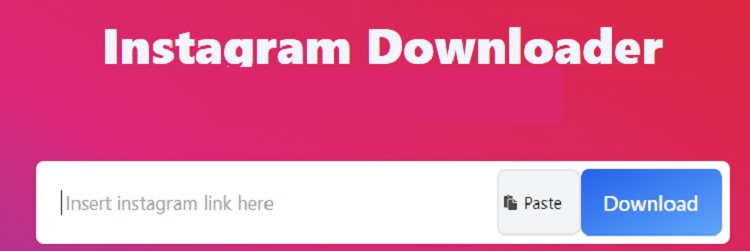
Source: igram.io
iGram Instagram Downloader is one of the best easy-to-use apps out there. You just need to enter the link of the Instagram video you want to download. Then click on download to start the process of downloading the video to your device.
This tool is only available as a website, and there is no app to be installed on your smartphone.
DownloadGram

Source: downloadgram.org
DownloadGram is another great Instagram video downloader, which is only available as a website.
This is an online Instagram tool to download all types of content, including Instagram videos and post images. You can easily download photos, and videos, to your system.
IGTV Downloader, Video Downloader, Photo Download, and Instagram Reels Video Downloader are 4 useful features of this website. Of course, with disappearing the IGTV feature, you just need to use an Instagram video downloader.
You have to copy the link of your Instagram video and paste it into the box. Then tap “Download Now” and save the video on your system.
InstaSaver
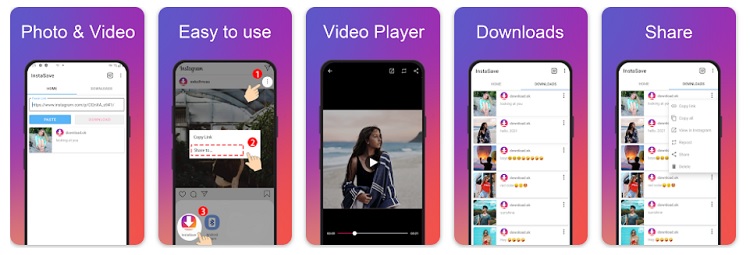
Source: Google Play
Are you looking for a clean recording application to save Instagram photos, videos, reels, and long videos (previously known as IGTV) to your Android device?
Then InstaSaver is probably the best Instagram video downloader for you. It’s the only application that not only allows you to save your Instagram posts in a few easy steps but it also frees you from ads every minute.
We can’t mention any disadvantages of this app, instead of being available just for Android devices.
Story Saver

Source: storysaver.net
Still wanna know how to download Instagram videos? Ok, we have some other offers.
This Instagram video downloader app is the absolute favorite app among many Instagram users.
With a very simple user interface, this video download allows you to download IG videos from Instagram easily. You just need a simple copy-and-paste process.
This is one of the best Instagram video downloaders, and it can download Instagram photos, reels, and stories.
As with most video downloaders, you just need to copy the URL of the video and paste it into the application, and the video will appear on your screen, ready for download within seconds.
What’s more, this application offers a variety of extra features like editing photos, creating collages, resizing images, etc., all in one application. The only disadvantage is that it’s only working on Android devices.
SaveIGTV
As it comes from the name, this tool was launched before perishing the IGTV feature. It’s still a great Instagram video downloader website that is free to access and download Instagram videos easily.
It is an online tool without any apps, but it allows you to download Instagram anytime, anywhere, by simply visiting the website and pasting the link of the video you want to download. You can download high-quality videos quickly.
Reposter for Instagram
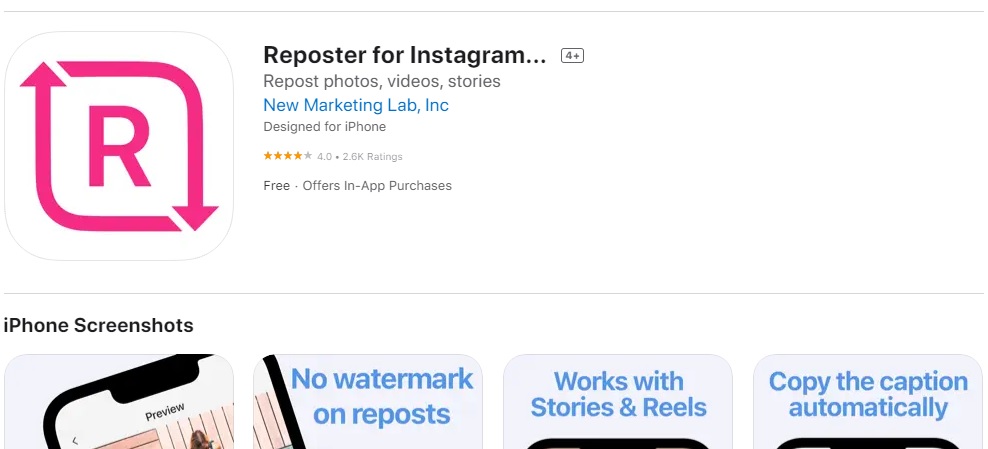
Source: App Store
Until now, we just mentioned tools for Android and web browsers. If you want to know how to download Instagram videos on iPhone, Reposter is here.
Reposter for Instagram is a great video downloader tool that can be downloaded to your iPhone for free from the App Store.
Reposter for Instagram lets you download all Instagram content, such as posts, Instagram Reels, and videos, to your device. However, it has a limitation of 10 minutes.
Just copy the link of the post or Instagram video you want to download and paste it into the Reposter application. Then tap the preview option.
Posts will load automatically and can be downloaded by clicking the share icon at the bottom of the screen.
Toolzu
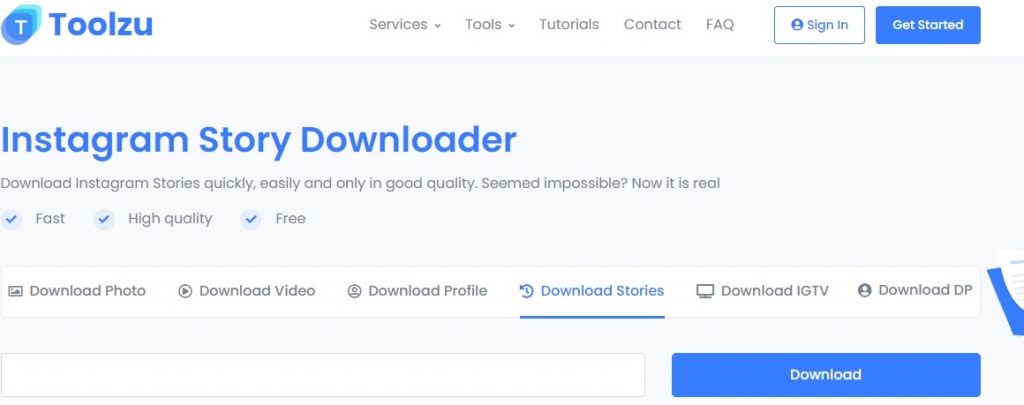
Source: toolzu.com
Download Instagram videos on your device with our popular Instagram video downloader and enjoy it anytime, even without WiF.
Toolzu is not affiliated with Instagram or Facebook. It’s not been sponsored by Instagram third-party partners in any way, but it’s an excellent tool for downloading Instagram videos.
It also has several other features, like the hashtag generator tool, that can significantly help you in your marketing campaigns.
Final words
With the above third-party Instagram tools, you can easily download Instagram videos. At the moment, the most prevalent questions of users are about “Instagram Reels video download.” Fortunately, all the tools in this article support this service. Of course, you have to remember that using these videos without citing the publisher is not ethical. So try to remix the original video or share the downloaded IG videos by mentioning the account you got the video from.

Emi Daniel
Buy an Established Instagram Account
Skip starting from zero. Browse Instagram/TikTok accounts with audiences across many niches.
See Available AccountsRelated articles
-
Instagram Instants Feature: What It Is, How It Works, and How to Turn It Off
The first time I opened Instagram Instants, I almost backed out. I had taken a normal photo. Nothing worth editing. Nothing worth posting. Nothing that needed an…
11 min readEmi Daniel
-
How to Clear Instagram Cache on iPhone, Android & Desktop
Instagram can quietly build up a lot of temporary files while you scroll through Reels, watch Stories, save posts, and upload your own content. You may not…
12 min read -
How to See Who Reposted Your Instagram Post (2026 Guide)
Someone reposted your Instagram post, but you have no idea who it was. You check notifications, search through your profile, and still cannot find a clear answer. …
18 min read