

Did you know that Instagram uses AI to enhance the user experience on its platform? The application uses AI to better personalize users’ feeds by analyzing their interactions, interests, preferences, and behaviors.
You may have seen Instagram posts with an AI tag called “Made with AI” or “AI info,” but do you know what it means? Let me tell you!
You probably think it shows the post was created using AI, which is correct. The “AI info” tag shows how AI was used to create the post, and the “Made with AI” tag shows that an AI tool or application created the image, video, or text.
So far, you may think this feature is cool, but what if you don’t want your audiences to know that you use AI? Can you remove it from your posts?
Luckily, the answer is yes! In this comprehensive article, you will learn all the information you need about AI on Instagram and how to remove it from your posts.
What Does It Mean to Remove AI From Instagram?

Removing AI on Instagram refers to disabling or minimizing the influence of AI on Instagram posts to avoid affecting user experience and content reach.
AI features on Instagram include auto message replies, automatic tagging, recommended suggestions, and any other type of AI used on the platform.
By removing AI from Instagram, you minimize the influence of artificial intelligence on your followers’ interaction with your content.
If you are looking for more organic and natural interactions and reach on Instagram, you can turn this feature off; however, always remember that AI’s data is not comparable to organic analytics.
Therefore, whether you have this feature available or remove it completely depends on your goals for using Instagram.
What Does “AI info” and “Made with AI” Mean on Instagram?

If you usually use Instagram, you have probably seen the famous “AI info” and “Made with AI” tags on Instagram posts; the question is, what do they mean? Let’s see!
Made with AI refers to when you use even a little bit of AI tools and applications, such as Photoshop, in your posts. If Instagram notices such an activity, it will flag your post as “Made with AI.”
To avoid getting flagged with this tag, follow the steps below:
Step 1- When you are in the Photoshop application and done with your edits, simply flatten your image and copy the flattened layer.
Step 2- Now, create a new project with the same dimensions as your clipboard and paste that flattened layer in.
Step 3- Save the new project as a file to export and post on Instagram.
That’s how simple it is to avoid getting your content flagged as made with AI.
Moreover, the “AI info” tag refers to any AI tools or applications used to create an Instagram post. If you have ever seen this tag on Instagram, the platform has flagged the content with the “AI info” tag.
What Are Instagram AI Features?

Have you ever wondered what AI features Instagram uses to enhance users’ experience and show your content to more target audiences? You will find your answer in this section.
Caption suggestion
As I mentioned earlier, A good Instagram caption significantly attracts your target followers’ attention, and writing a captive caption is what the “caption suggestion” feature helps you with.
Let me reveal a secret! This AI feature suggests relevant captions based on your niche and content to help you better engage with your followers.
Managing comments
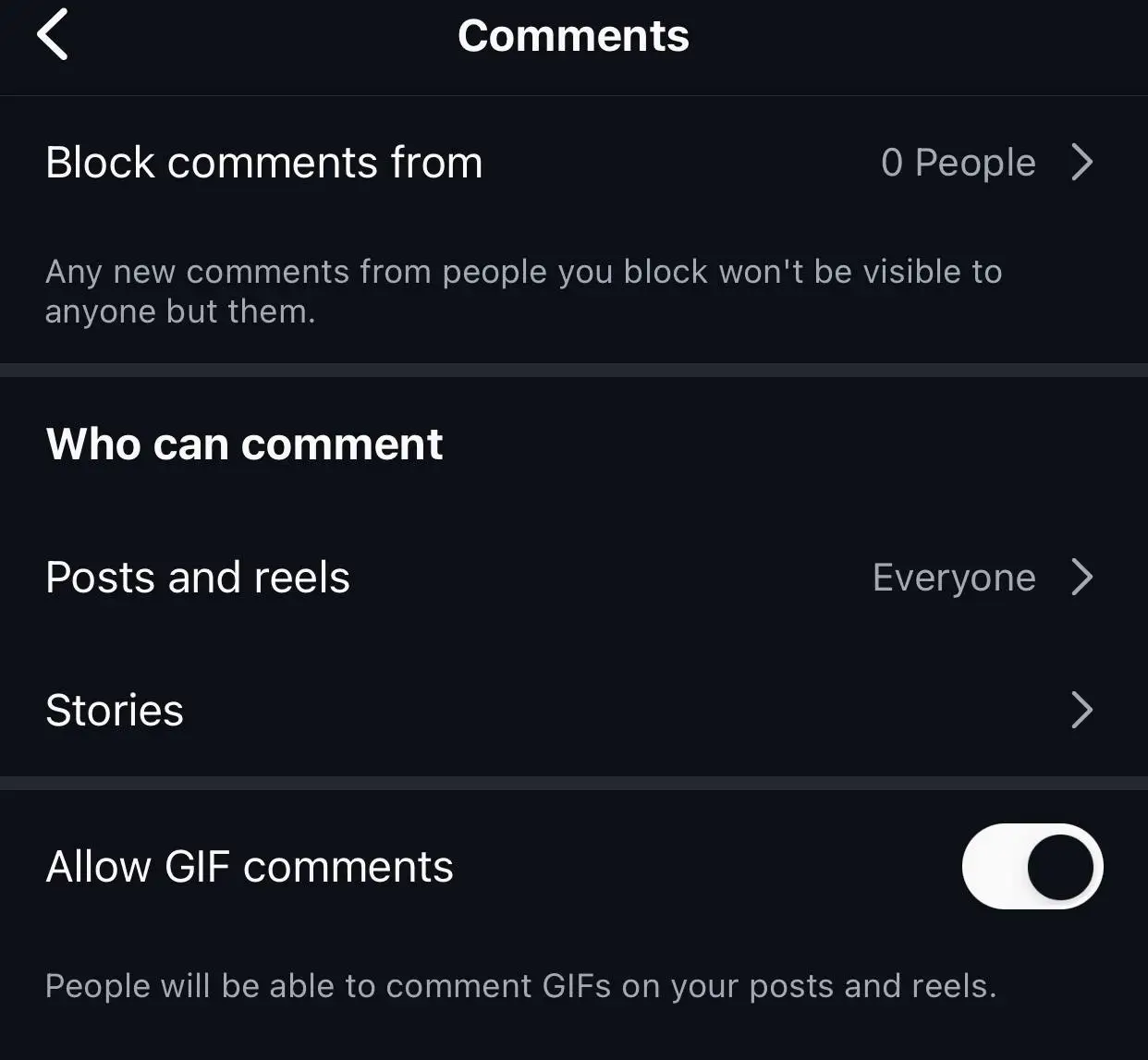
Not all the comments you receive on your posts are complimenting; unfortunately, many users comment inappropriate words, which is harmful.
AI helps you filter and manage the comment section on your posts to avoid getting harmful comments.
Content recommendation
As said before, everyone is trying to fit into the Instagram algorithm, but have you ever thought about how Instagram shows you exactly what you want to see in your feed?
The AI algorithm summarizes the answer, which analyzes your searches, behavior, and interests to show you posts, Reels, and content you are most likely to interact with.
Visual effects and filters
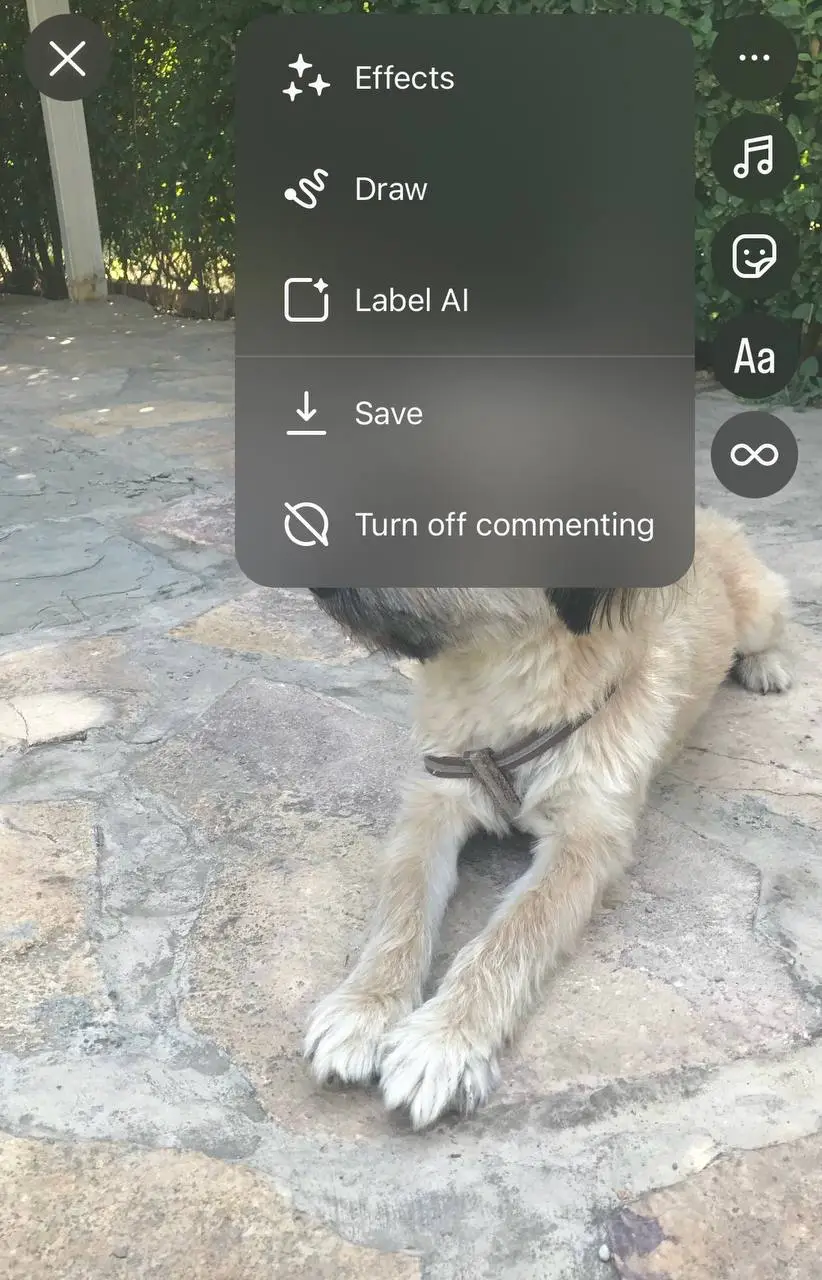
Another AI feature that helps Instagram users enhance their photos and video quality is the various filters and effects.
This feature is really helpful for influencers and content creators who constantly share posts and stories on Instagram.
Accessibility features
Instagram is no longer a platform only for regular users, and maybe that’s why more people are joining this application.
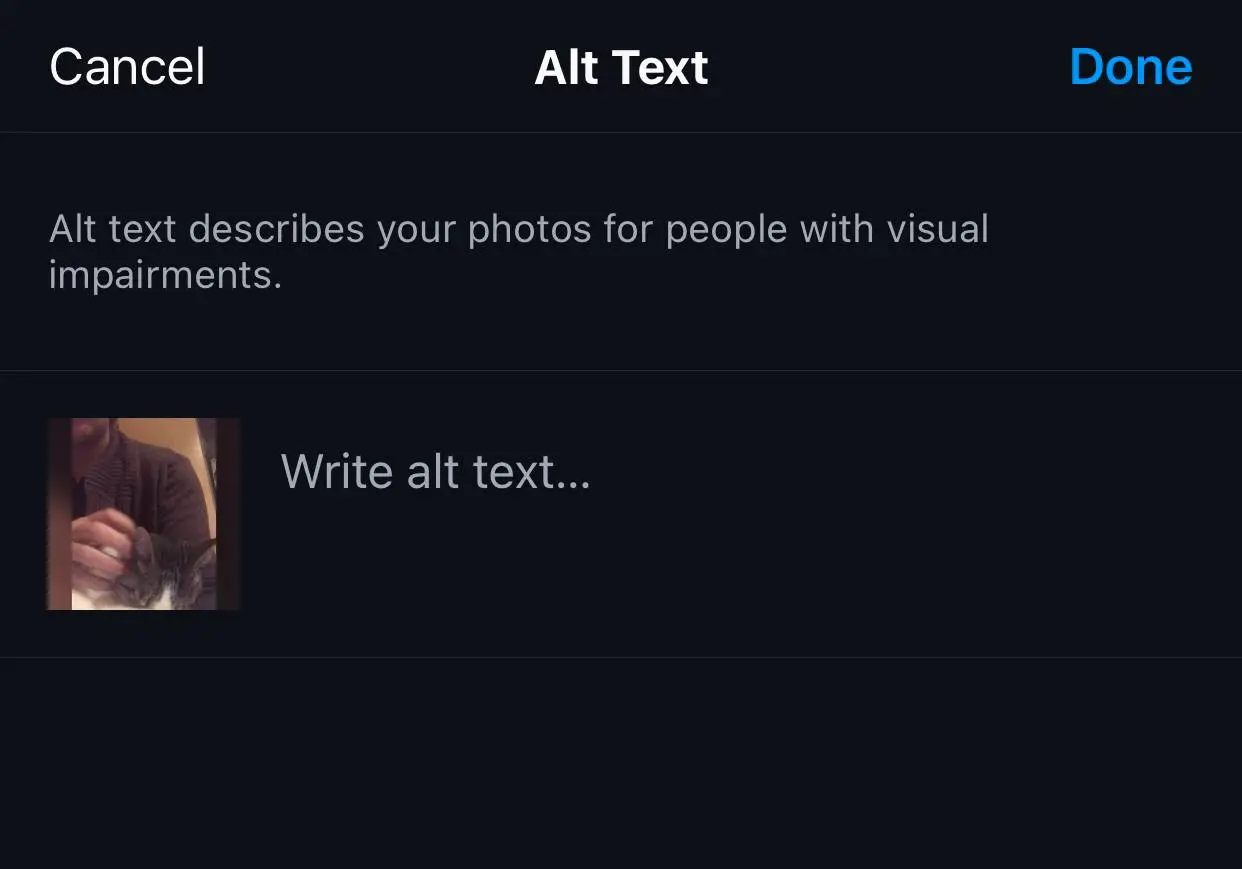
The AI accessibility features, such as “Alt Text,” help disabled people to better use Instagram and understand the content they are interacting with.
These are some of the useful AI features on Instagram that make this platform user-friendly and keep users engaged.
How to Remove “Made with AI” or “AI info” on Instagram Posts?
As mentioned, “made with AI” and “AI info” are the two AI tags you mainly see on Instagram posts.
Follow the steps below to remove any AI tag from your Instagram post simply.
Step 1- Open Instagram and select the post with an AI tag.
Step 2- Tap on the three dots icon in the top right corner of the post.
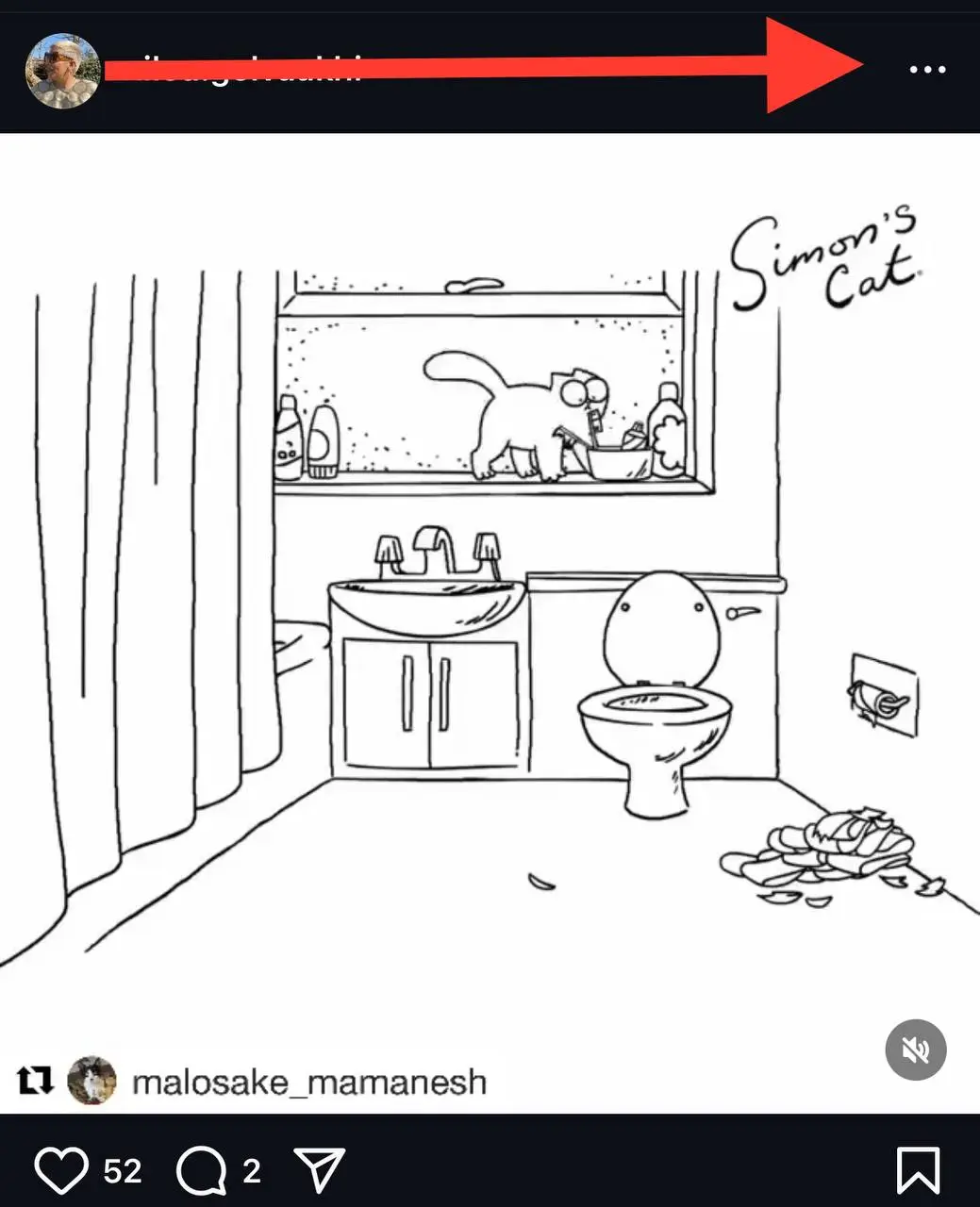
Step 3- Select the “edit” option.

Step 4- Tap on the “AI info” or “Made with AI” icon.
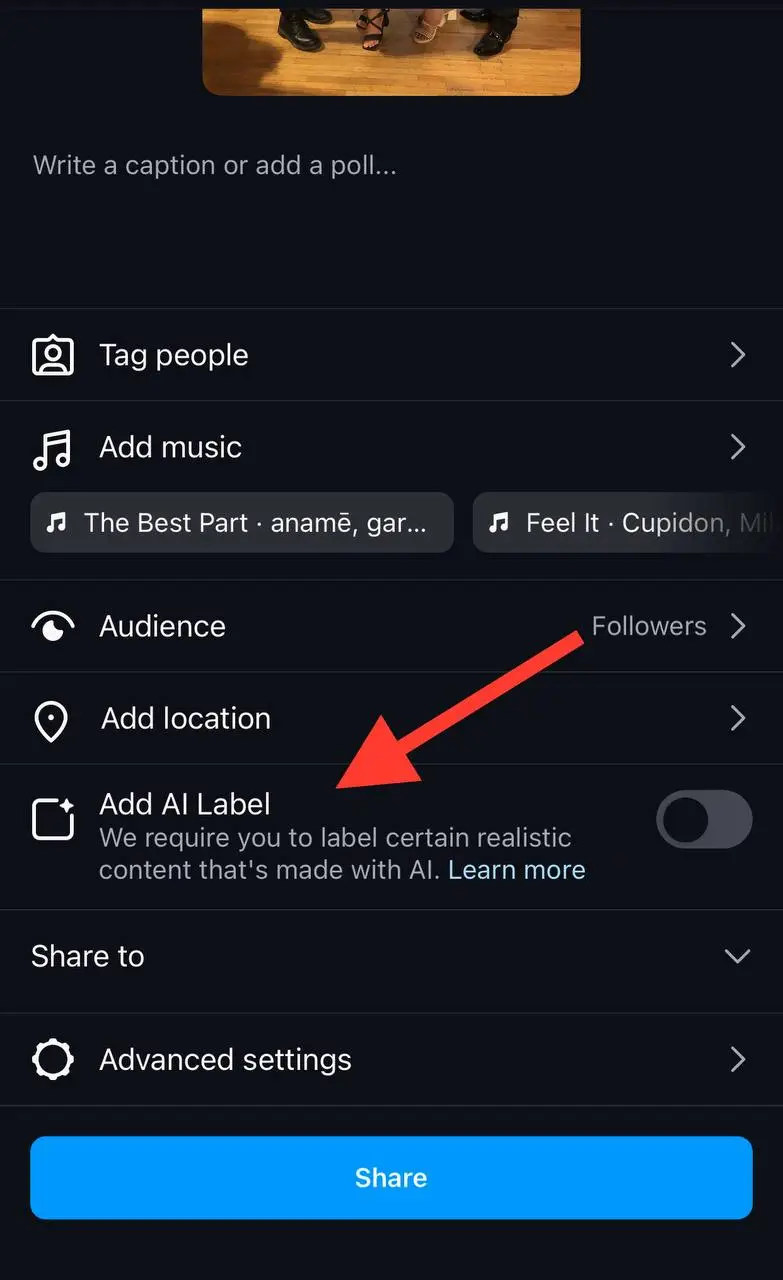
Step 5- Now, you can see the “Add AI Label” option.

Step 6- Switch the toggle off.

Step 7- Tap “Done,” and the AI tag will be removed from your content.
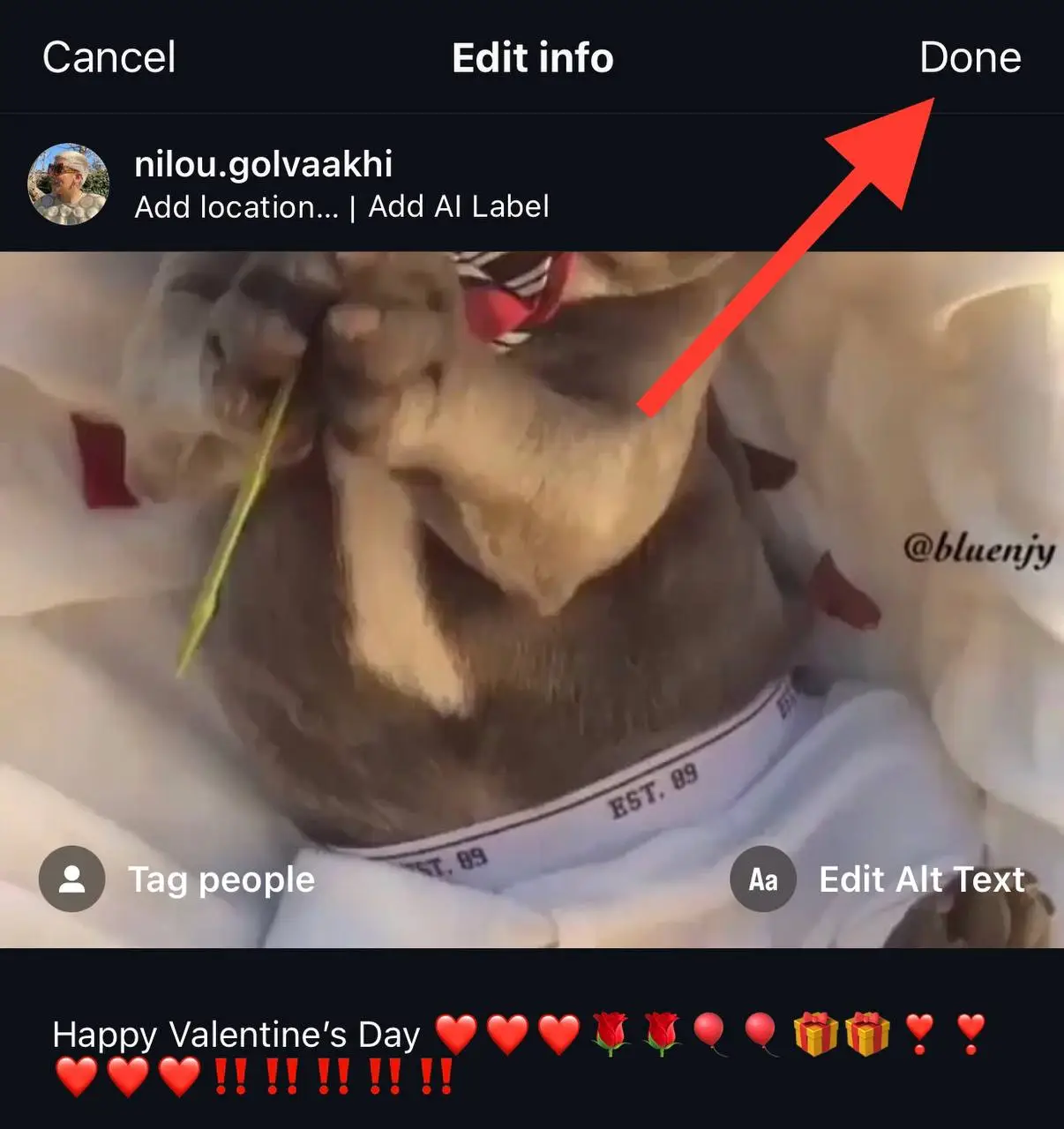
That’s how easily you can remove any AI tag from your Instagram posts. However, it is better to avoid enabling this feature before you upload your post.
Reasons to Remove AI From Instagram

Let me tell you something before we go any further. When Instagram released the AI tag feature, a few users were interested in it, and many people were against it, which is why people have various reasons to remove AI from Instagram.
Let’s see what are the most common reasons.
The first and main reason is to protect personal data and privacy on the platform and avoid sharing such information for recommendations and advertising.
Another common reason is that removing AI enables users to better control and manage their Instagram feed and the content they see and interact with. In other words, eliminating such a feature helps them to see the content they are interested in.
In addition, most people believe that content made with AI has no creativity, so they won’t interact with such content; once you remove an AI tag from your Instagram post, you will see how users are encouraged to engage with your account.
As you know, the Instagram algorithm is among the popular topics on social media, and almost everyone wants to fit into this algorithm; removing AI from Instagram is a great way to minimize the negative effect of AI on your account’s place in Instagram’s algorithm.
Pros and Cons of Removing AI Tags on Instagram

Now that you know every detail about removing AI from Instagram, it is time to examine the pros and cons of removing AI tags from your Instagram posts.
Pros
- Let me tell you one of the most beneficial advantages of removing AI from your account: It gives you more control over your content, which means more people believe in your creativity.
- Once you remove AI tags from Instagram, you no longer feel stressed about fitting into the Instagram algorithm, meaning you are not dependent on AI features and algorithm systems.
- Most Instagram users prefer to see and engage with creative content rather than AI-generated content, so removing the AI tags may positively affect your account’s engagement rate.
Cons
- Not using AI features and removing AI tags on Instagram means you must try harder to create something unique that encourages users to engage with your content.
- When you remove the AI tags from your posts, you have to consider the possibility of less visibility because it makes it difficult for your target audiences to find your content.
Does Removing AI From Instagram Reduce Account Reach?u
As mentioned earlier, removing AI from Instagram can affect your account’s reach; however, it mainly depends on how and which AI features you disable on Instagram.
If you are wondering how it can affect your reach, it is due to its influence on decreasing your account’s visibility in the Instagram algorithm. As you know, AI helps the Instagram algorithm detect what type of content to show people based on their interests; when you remove AI, Instagram can’t detect your target audience, leading to less engagement and interaction.
But wait! The story does not end here! You can still increase your account’s reach and engagement without relying on AI features and the algorithm system.
The best approach is to stay connected with your followers, post constantly, and be creative to attract your target followers and boost visibility on Instagram.
Moreover, if you want to keep your Instagram account’s reach at its highest levels while removing AI, you have to consider using other tools, such as relevant hashtags, trending songs, etc.
Conclusion
Removing the AI features from Instagram has its own benefits and disadvantages. While it can negatively impact your account’s visibility in Instagram’s algorithm, it can also be beneficial in other ways.
Thus, as mentioned before, deciding to keep or remove this feature from your account is up to you.
To make the best decisions, it is better to develop a clear strategy for managing your account and interacting with your followers to determine whether AI should be kept or removed from Instagram.
In this article, we explained all the details you need to know about AI on Instagram and examined how to remove AI from your account.
I hope you enjoy reading this article and that it helps you decide to remove this feature from Instagram or not.
FAQs
Can I turn off all AI features on my Instagram account?
Good question! While you can disable some AI features on Instagram, you can not turn off all of them because they are one of Instagram’s main parts. If you want to minimize the effect of AI on your Instagram account, you can set your privacy and settings to reduce the influence of AI.
How can I manage AI generated tags on my Instagram posts?
You can manage AI generated tags (Made with AI and AI info) by editing your posts. To do so, tap on the three dots icon in the top right corner of your post> tap edit> remove the desired tag> tap “done” to finish the process.
Does removing AI tags affect my Instagram account visibility?
It has been said that removing the AI tags after posting your content (by editing your post) may affect your account’s reach and reduce your account’s engagement. However, your account visibility mainly depends on how you interact with the platform and follow algorithms.
How can I use AI for more engagement on Instagram?
You can use helpful AI features that Instagram provides , such as suggested DM replies and automatic tagging. Yet, my friend! Always remember that the best way to increase your account’s engagement is to directly interact with your followers to encourage them to engage with your content.
Why do I keep seeing inaccurate AI tags on my Instagram post?
If you keep seeing such an error, simply remove the tag by editing your post and then report the issue to Instagram support.
